FEATURES MENU (CONTINUED)
MSTR
(Master)
RESET
Your picture adjustments will
be
"remembered" until you
readjust them, activate
MSTR
RESET, or
if
the power
to
the
TV
has been interrupted for an extended period
(usually over 1 hour).
If
you activate MSTR RESET, the
picture controls return
to
their original factory settings.
You may want
to
activate MSTR
RESET
if
yoiur
adjustments are accidentally changed.
The
folloiwng
adjustments are reset:
Video
Features
PICTURE
BLACK
COLOR
TINT
SHARPNESS
r
Audio
features
STEREO
BASS
TREBLE
BALANCE
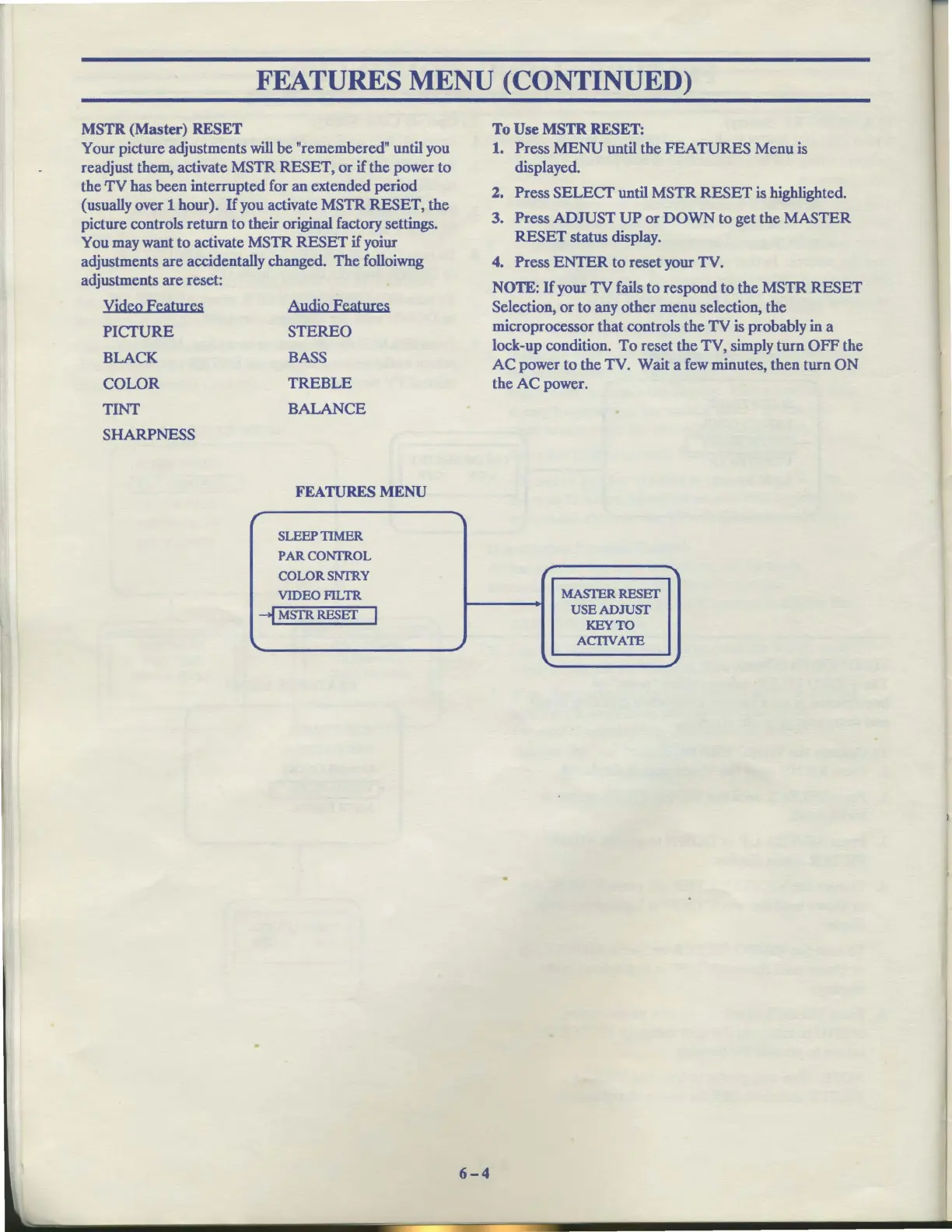
FEATURES
MENU
SLEEP TIMER
PARCONfROL
COLORSNfRY
VIDEOFILTR
-i MSTR
RESEf
I
\..
-..,
~
6-4
To
Use
MSTR
RESET:
1.
Press
MENU
until the
FEATURES
Menu is
displayed.
2. Press
SELECT
until MSTR
RESET
is highlighted.
3. Press
ADJUST
UP
or
DOWN
to
get the MASTER
RESET
status display.
4. Press
ENTER
to
reset your TV.
NOTE:
If
your TV fails to respond to the MSTR
RESET
Selection,
or
to any other menu selection, the
microprocessor that controls the
TV
is probably in a
lock-up condition.
To
reset the TV, simply turn
OFF
the
AC
power
to
the TV. Wait a few minutes, then turn
ON
the
AC
power.
~
MASl'ERRESEf
USEADJUST
KEYTO
ACl1VATE
\..
~



 To Next Page