USING THE ON-SCREEN MENUS
INTRODUCTION
Your Zenith Digital TV is Menu Operated. That
is,
adjustments that can
be
made to the TV appear on the
picture screen in a list, just
as
a menu in a restaurant lists
available choices.
MAIN
MENUS
There are
five
Main Menus: SOURCE, VIDEO,
AUDIO, FEATURES and SETUP. These menus list
everything
you
can adjust
using
the on-screen
displays.
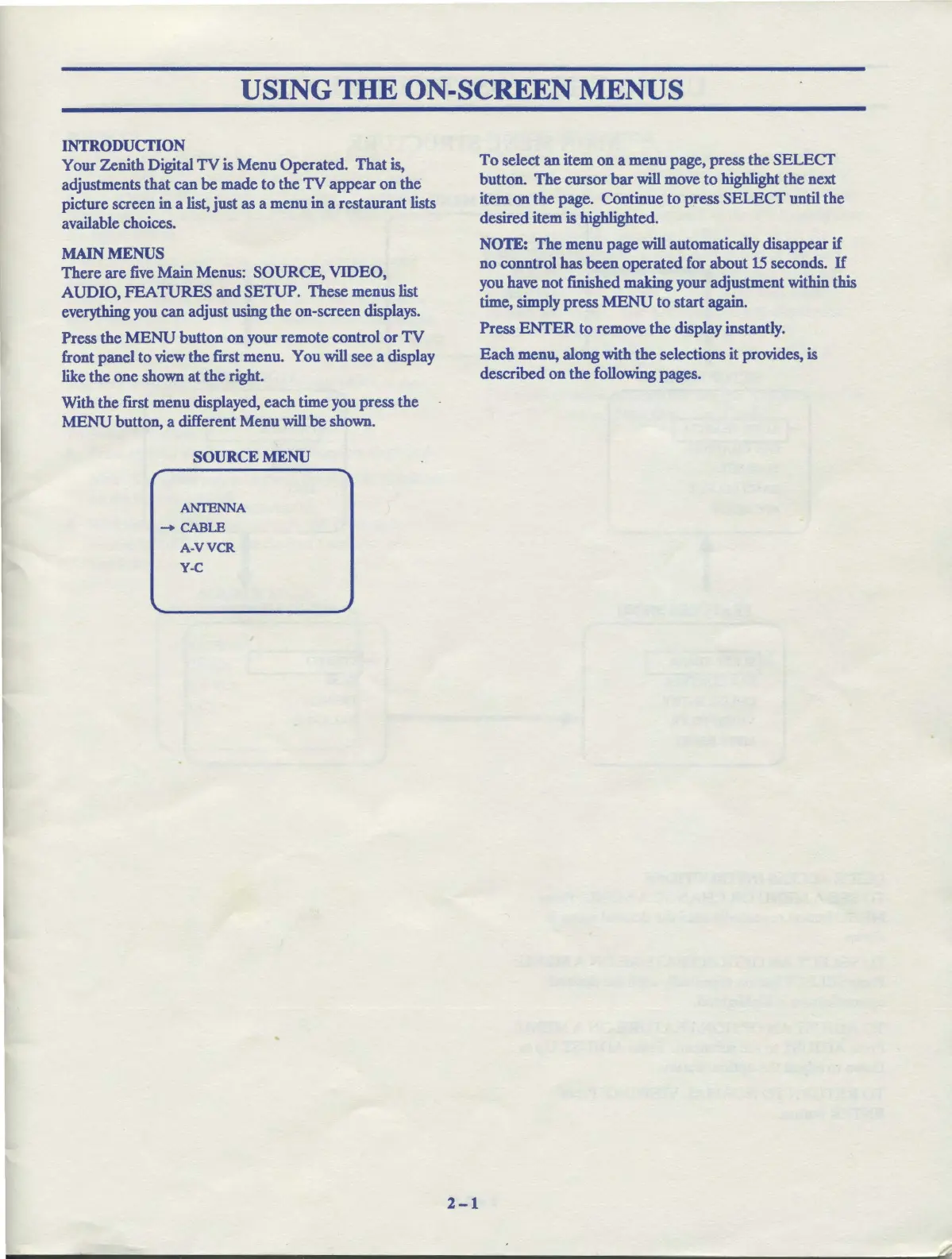
Press the MENU button on your remote control or TV
front panel to
view
the first menu. You will see a display
like the one
shown
at the right.
With the first menu displayed, each time
you
press the
MENU button, a different Menu will be
shown.
SOURCE MENU
r
ANTENNA
-CABLE
A-VVCR
Y-C
2-1
To select an item on a menu page, press the SELECT
button. The cursor bar will
move
to highlight the next
item on the page. Continue to press SELECT until the
desired item
is
highlighted.
NOTE:
The menu page will automatically disappear if
no
conntrol has been operated
for
about
15
seconds. If
you
have
not finished making your adjustment within this
time,
simply
press MENU to start again.
Press ENTER to remove the display instantly.
Each menu, along with the selections it provides,
is
described on the
following
pages.



 To Next Page