SOURCE MENU
SOURCES
A TV "source" refers to whatever is supplying the
TV
with a picture and/or sound.
The
most common signal
source is your outdoor antenna
or
Cable-TV system.
When you watch a tape on your VCR, the VCR becomes
the signal source.
You can connect more than one signal source
to
your
Zenith
TV
at
the same time. Hook
up
an
outdoor
antenna, a Cable-TV system, a VCR
or
another source
like a video disc player
or
other audio/video component.
Choose the source you want
to
watch by using the remote
control and the Source Menu.
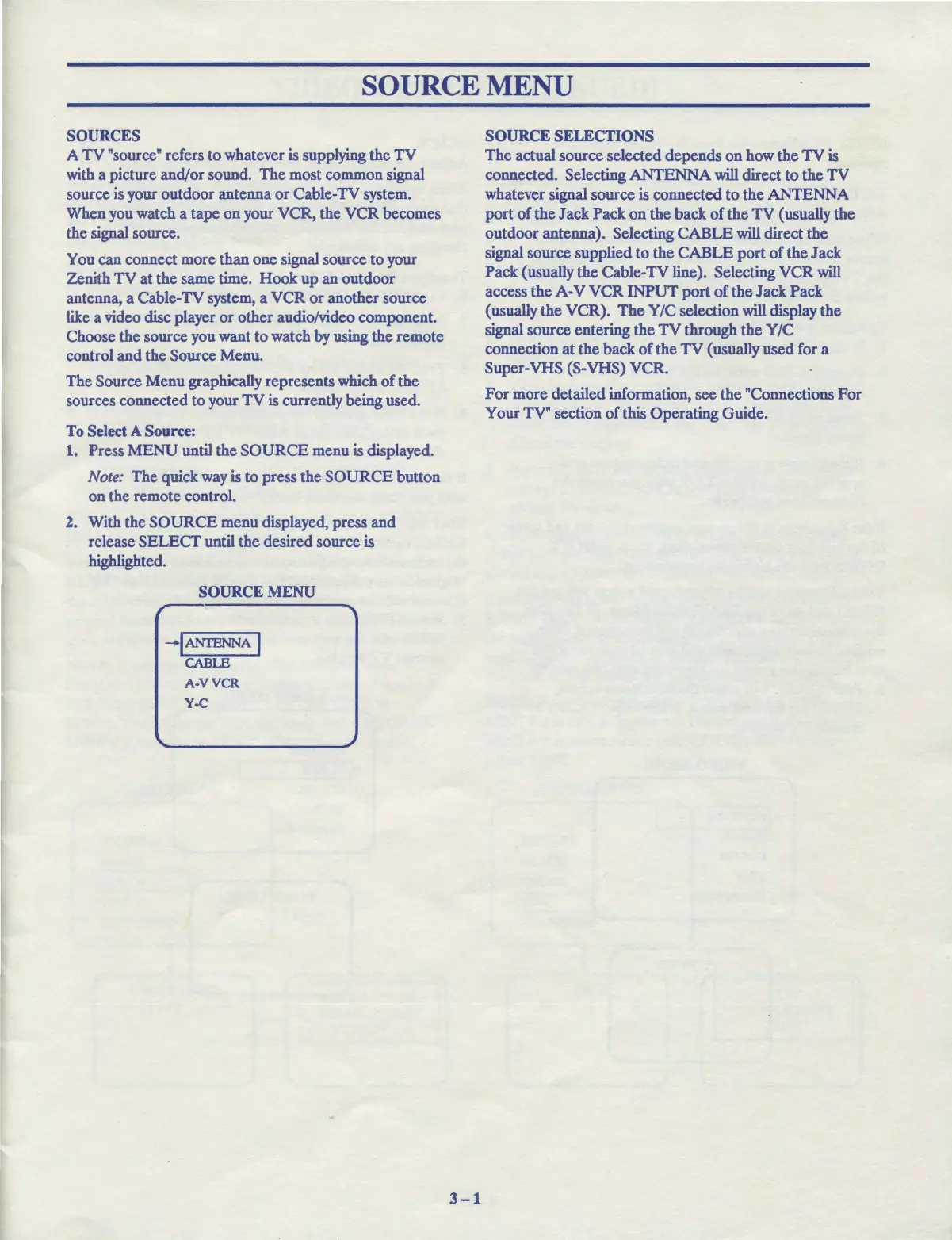
The Source Menu graphically represents which
of
the
sources connected to your
TV
is currently being used.
To
Select A
Source:
1. Press
MENU
until the
SOURCE
menu is displayed.
Note:
The
quick way is
to
press the
SOURCE
button
on the remote control.
2. With the
SOURCE
menu displayed, press and
release SELECT until the desired source is
highlighted.
SOURCE MENU
-IANI'ENNA
I
CABLE
A-VVCR
Y-C
3-1
SOURCE SELECTIONS
The
actual source selected depends on how the
TV
is
connected. Selecting ANTENNA will direct
to
the
TV
whatever signal source is connected
to
the ANTENNA
port
of
the Jack Pack
on
the back
of
the
TV
(usually the
outdoor antenna). Selecting CABLE will direct the
signal source supplied
to
the CABLE
port
of
the Jack
Pack (usually the Cable-TV line). Selecting VCR will
access the
A-V
VCR
INPUT
port
of
the
Jack Pack
(usually the VCR).
The
Y/C selection will display the
signal source entering the
TV
through the Y/C
connection
at
the back
of
the
TV
( usually used for a
Super-VHS (S-VHS) VCR.
For
more detailed information, see the "Connections
For
Your TV" section
of
this Operating Guide.



 To Next Page