Section 4.0
MAN 06–0017H ZIEHM QUANTUM User’s Manual Page 43 of 220
WARNING:
Never operate the C-arm system if inclination of the floor exceeds 5°. Death or
serious injury may result if the ZIEHM QUANTUM is operated with a tilt of greater
than 5°
4.5 SWITCHING ON THE SYSTEM
WARNING:
Do not operate the system until the equipment has reached a safe operating temperature
of +15°C to +35°C with no condensation present. Otherwise severe equipment damage
may result.
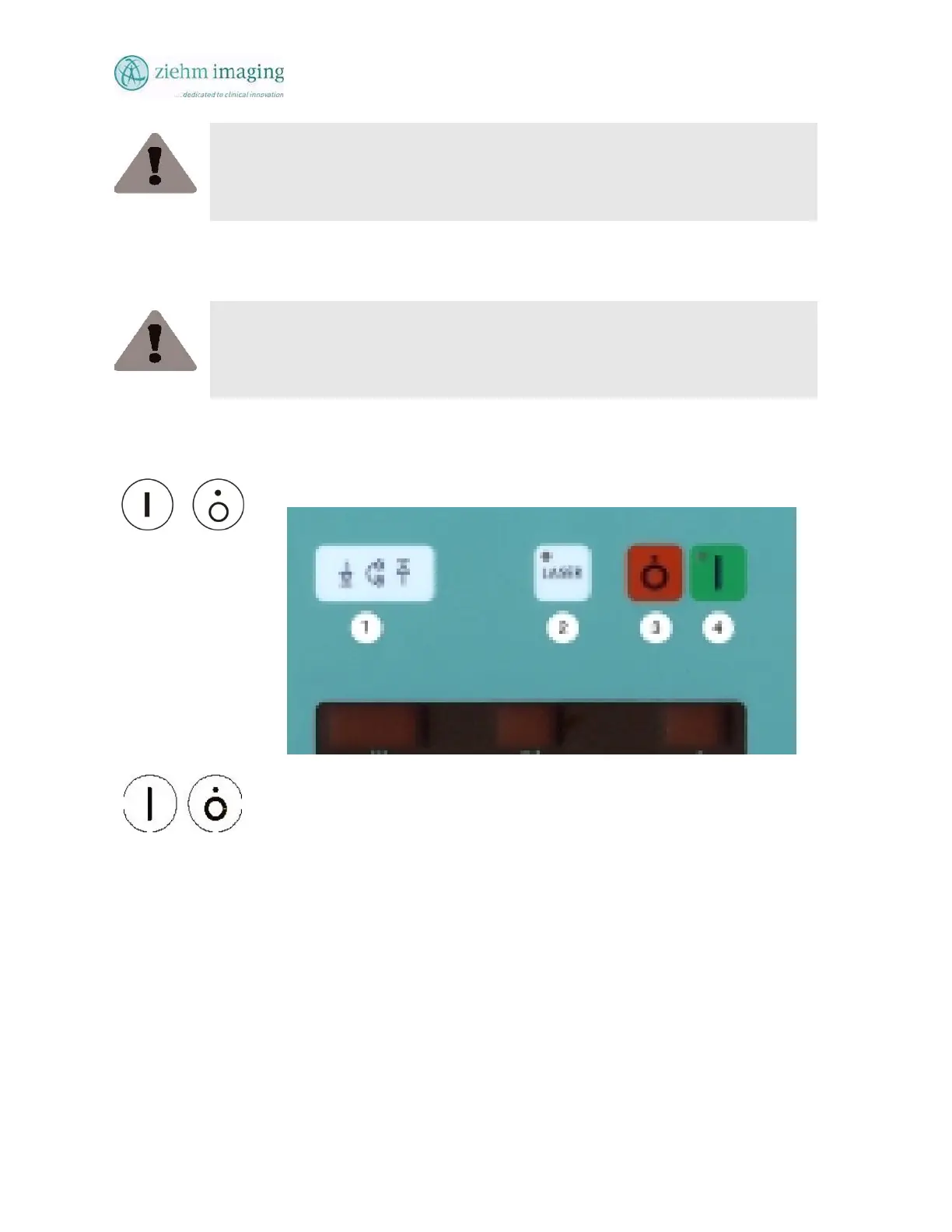
The C-arm stand has two buttons for switching the system ON or OFF See Fig 4.2 for location of
the two switches. Buttons numbered 3 and 4.
Fig 4.2: C-Arm Mobile stand control keyboard
• Make sure that the inclination of the system does not exceed 5° from the
level in operating position.
• Ensure that all electrical connections are properly established.
• Put on suitable protective clothing.
• Switch on the system using the Power ON buttons on the mobile stand
C-arm. The button switches on or off all the systems components
simultaneously.
4.5.1 CUSTOMER-SPECIFIC INITIAL SETTINGS
The default settings after power-up vary from system to system, according to the customer-
specific setup.
Furthermore, you may choose to have a certain program and various live image settings preset as
default after power-up. You cannot make these individual pre-settings yourself.


 To Next Page
 Loading...