MultiBio700- User Manual
eSSL Pvt. Ltd. Page 44
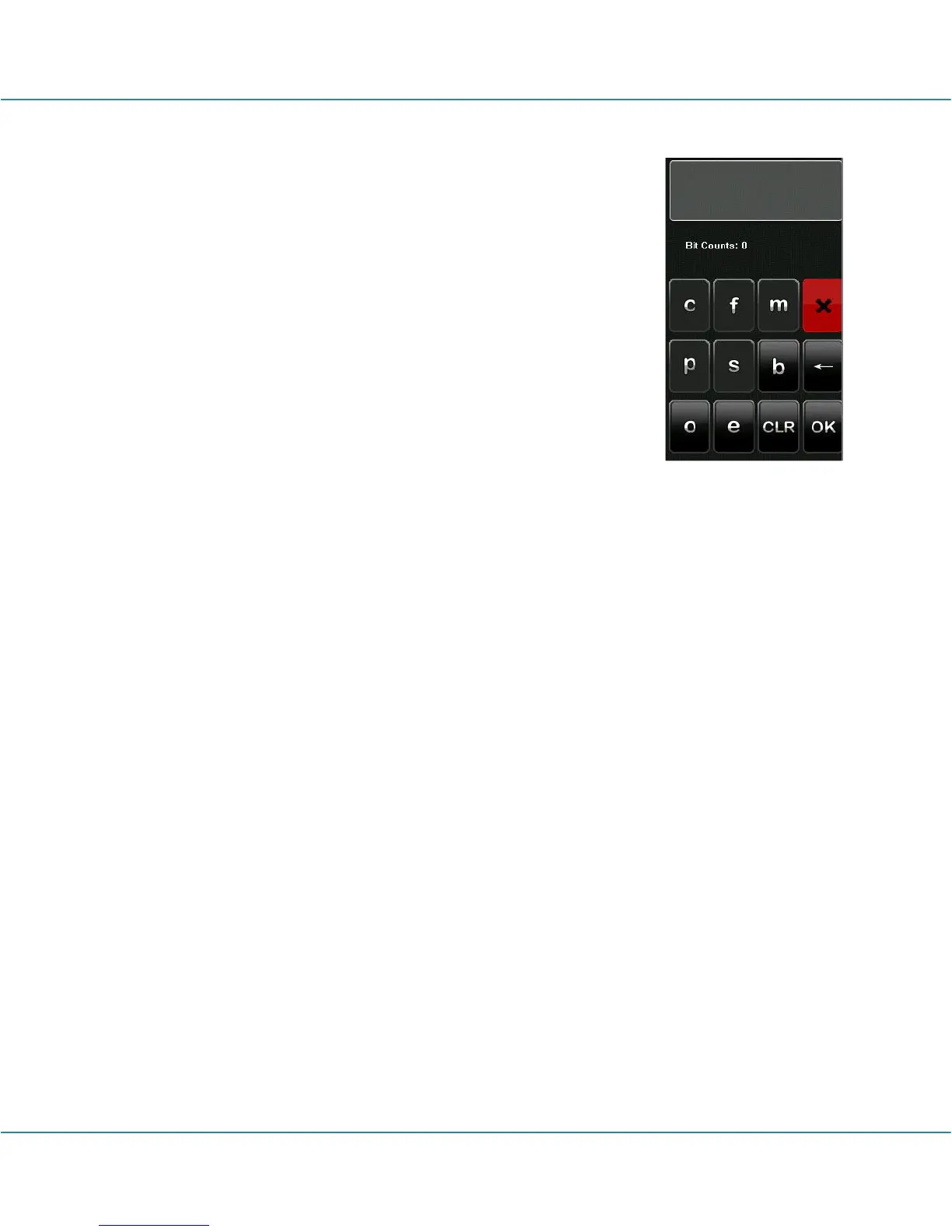
Characters used to define data bits and their meanings:
c: Indicates the card number, that is, the output contents, it can
be set to User ID/Card Number through menu operations.
f: Indicates the facility code which is 0 by default. It is not
configurable. To modify it, please contact the equipment
supplier.
m: Indicates the manufacturer code which is 0 by default. It is
not configurable. To modify it, please contact the equipment
supplier.
p: Indicates the parity position.
s: Indicates the site code which can be set from 0 to 255 by
default.
(4) Click the entry box below “Parity Format” to display the following interface:
Characters used to define parity bits and their meanings:
o: Indicates the odd check, that is, there is an odd number of 1’s in the bit sequence
(including one parity bit). For example, for 1000110(0), the parity bit is 0 and there 1’s.
After 0 is suffixed to 1000110, there is still an odd number of 1’s.
e: Indicates the even check, that is, there is an even number of 1’s in the bit sequence
(including one parity bit). For example, for 1000110(1), the parity bits is 1 and there are
already three 1’s. After 1 is suffixed to 1000110, there is an even number of 1’s.
b: Indicates both odd check and even check.
For example, Definition of several universal Wiegand formats.
Wiegand34
Data bits:
pccccccccccccccccccccccccccccccccp
Parity bits:
Eeeeeeeeeeeeeeeeeooooooooooooooooo
Note: Wiegand34 consists of 34 bits. The first bit is the even parity bit of bits 2 to 17; the
34th bit is the odd parity bit of bits 18 to 33; the second to the ninth bits are the site
code; the 10
th
to the 25
th
bits are the card number.



 To Next Page