Zmorph Fab - QUICK START GUIDE 28
10.3 Sma Toolhead change
Single Extruder Toolhead 1.75
Connect the ‘LEFT’ cable to the ‘LEFT’
frame socket and ‘RIGHT’ cable to the
‘RIGHT’ frame socket.
Connect the extruder ‘A’ cable to the ‘A’
the X carriage.
Laser Toolhead
Connect the ‘LEFT’ cable to the ‘LEFT’
frame socket and ‘RIGHT’ cable to the
‘RIGHT’ frame socket.
Thick Paste Extruder Toolhead
Connect the ‘LEFT’ cable to the ‘LEFT’
frame socket.
Connect the extruder ‘A’ cable to X car-
riage ‘A’ plug.
Dual Extruder Toolhead
Connect the ‘LEFT’ cable to the ‘LEFT’
frame socket and ‘RIGHT’ cable to the
‘RIGHT’ frame socket.
Connect the extruder ‘A’ cable to the ‘A’
the X carriage.
CNC Milling Toolhead
Connect the ‘LEFT’ cable to the ‘LEFT’
frame socket.
Connect the extruder ‘A’ cable to X car-
riage ‘A’ plug.
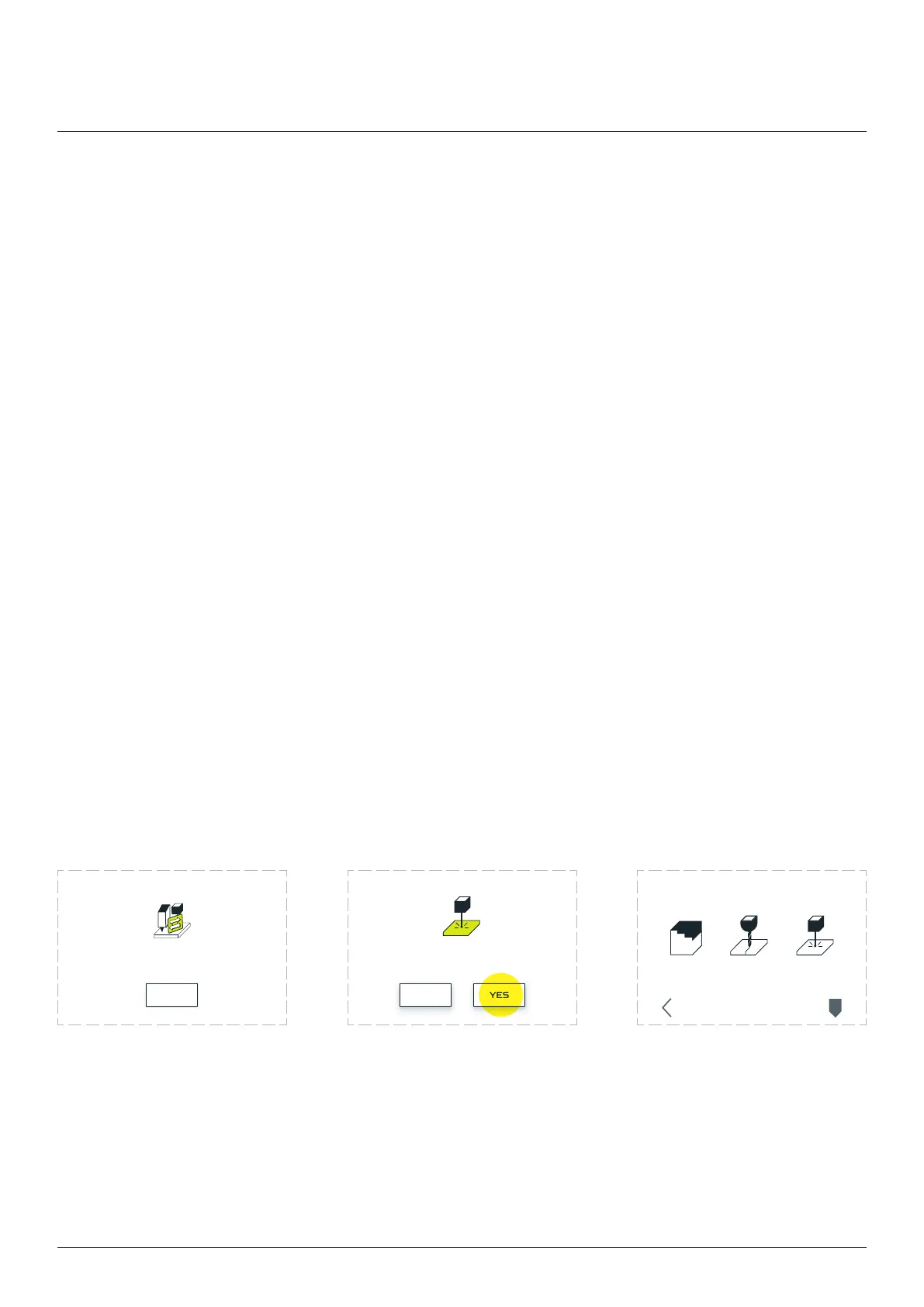
Toolhead change process staed.
When you mount the toolhead press OK
OK
Toolhead was detected properly?
LASER
NO YES
3D PRINT
CHANGE TOOLHEAD
CNC LASER
PARK
TOOL
BACK
Toolhead change
After connecting all extruder
cables choose ‘OK’.
Zmorph Fab will recognize
the toolhead automatically.
If toolhead is correct choose
‘YES’.
If machine doesn’t recognize
the toolhead choose ‘NO’
and it will lead you to change
toolhead menu, where you
can choose your toolhead
manually.



 To Next Page