zmorph3d.com 35
13. Laser cutting and engraving
bit.ly/ZmorphFab_Manual
13.2 Calibration and rst work
13.1 Safety
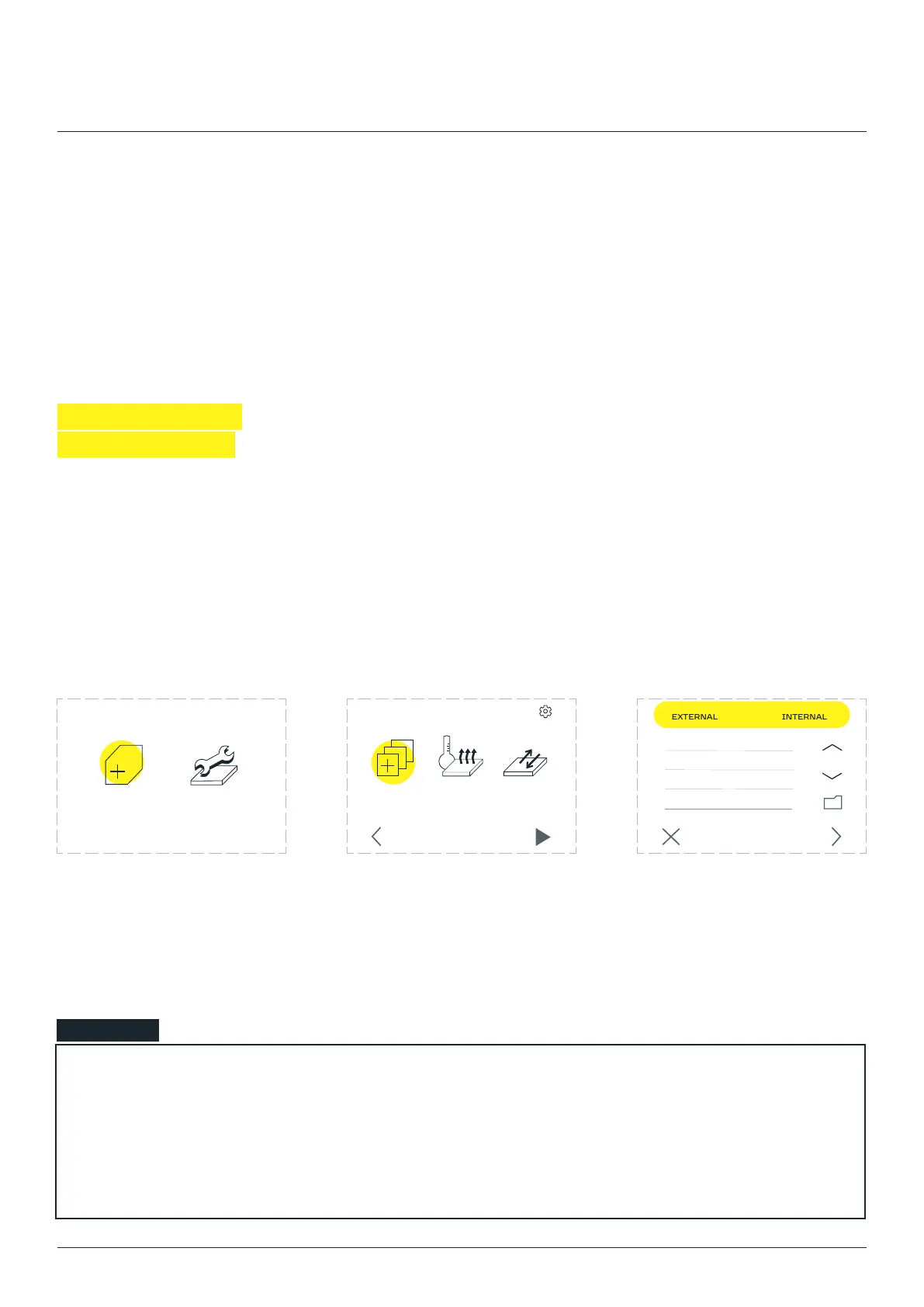
Enter the ‘’ menu. Go to the ‘CHOOSE FILE’
section.
Files uploaded to the internal
SD card are located in the
to the SD card are located in
the ‘EXTERNAL’ tab.
NOTE
If the user inserted the external SD card the screen should jump forward to the ‘CHOOSE FILE’ section
screen on the ‘EXTERNAL’ directory.
the ‘CHOOSE FILE’ section.
NEW JOB MAINTENANCE
CHOOSE
FILE
PREHEAT
PRINTER
MOVE
BED
SETTINGS
STARTBACK CANCEL NEXT
example.gcode
Laser cutting and engraving



 To Next Page