Zmorph Fab - QUICK START GUIDE 34
NOTE
NOTE
NOTE
The information on the Z axis height is stored in the motherboard internal memory. That is guided
by the fact that this value is not easy to change manually by the user unlike the X and Y axes.
Don’t home the Z axis when the milling cutter is in the
spindle and when there is material on the CNC worktable.
This will damage the milling cutter and might disarrange the
Z axis motors.
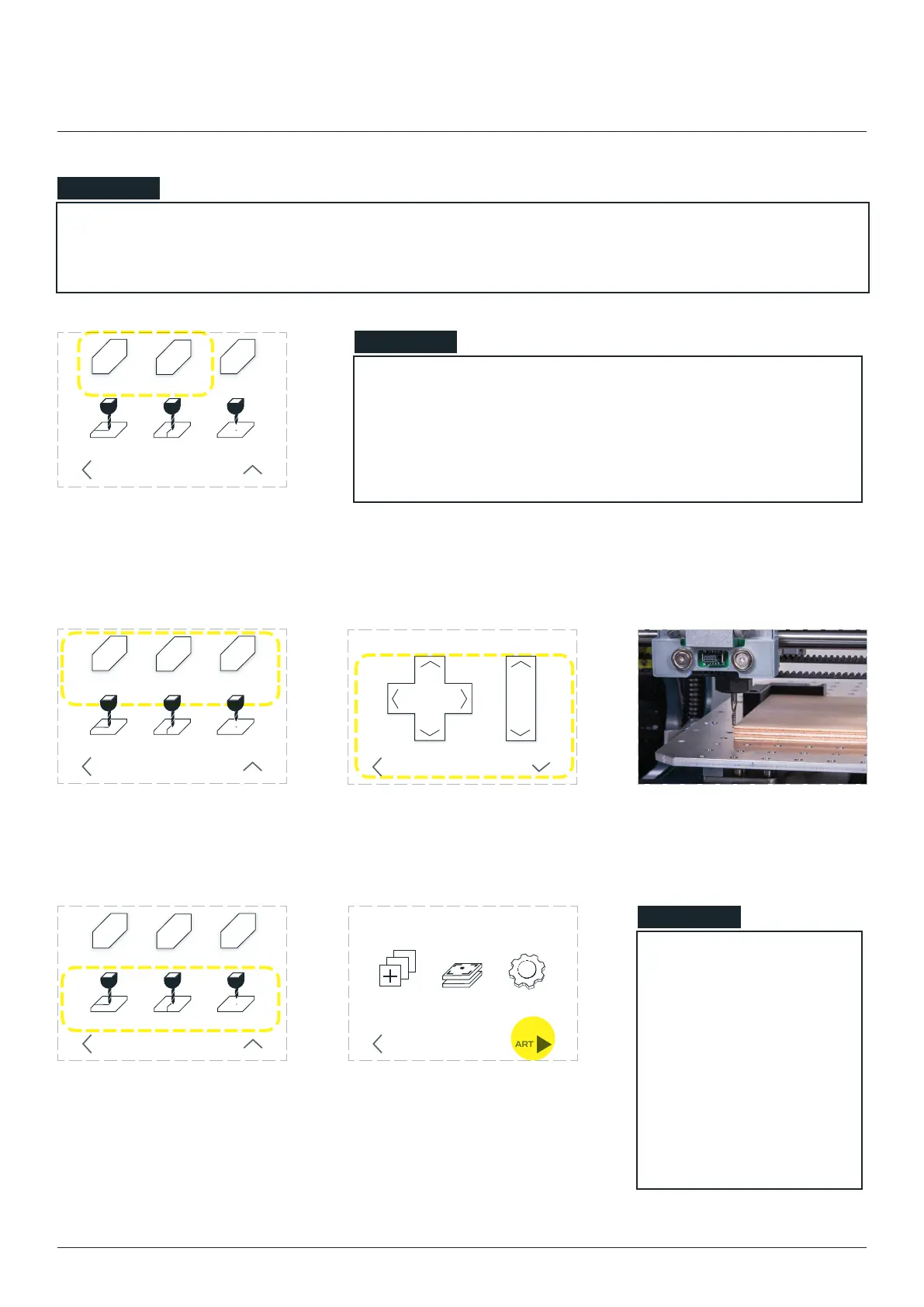
In most cases the local
starting position will
be the material surface
left, front corner.
Toggle the distance
button for better
control over the cutter.
HOME X’ and
‘HOME Y’ buttons. Watch out
for your cutter not to hit the
material on the worktable.
SET X = 0 SET Y = 0 SET Z = 0
HOME X HOME ZHOME Y
ZX
Y
BACK MOVE
SET X = 0 SET Y = 0 SET Z = 0
HOME X HOME ZHOME Y
ZX
Y
BACK MOVE
Go back to ‘MOVE’ menu. Using provided arrow buttons, move the spindle to the FRONT-LEFT
corner of material.
X Y Z
MOVE ZMOVE X Y
BACK SET
CNC milling
When the cutter is in its lo-
cal position, go to the ‘SET’
menu and set the local 0,0,0
coordinates by pressing the
‘SET X = 0’, ‘ SET Y = 0’ and
‘SET Z = 0’ buttons.
Go back to the main menu
and choose ‘START’. Your ma-
chine will start working.
SET X = 0 SET Y = 0 SET Z = 0
HOME X HOME ZHOME Y
ZX
Y
BACK MOVE
CALIBRATE SETTINGSCHOOSE
FILE
STARTBACK
10mm 1mm
70.00 30.00 12.00



 To Next Page