Zmorph Fab - QUICK START GUIDE 30
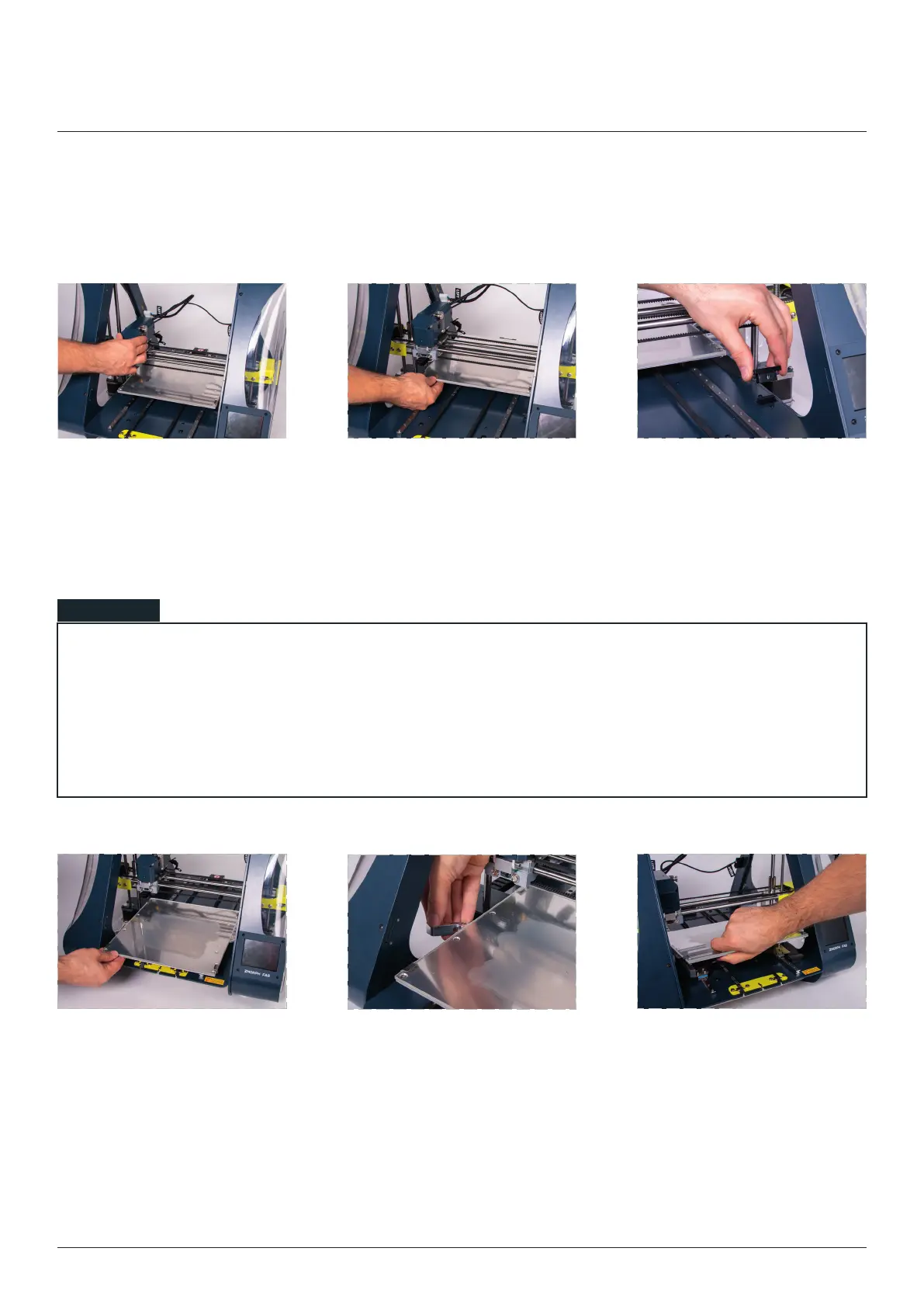
convenient position for
removing worktable.
Slide the table backwards. Disconnect the table plug.
left to unlock the heated table.
Lift the table with a little bit
of strength up to disconnect
it from the carriage magnets.
11. Changing worktable
Changing worktable
• pressing the reset button,
• powering down the machine,
• parking the toolhead in the ‘CHANGE TOOLHEAD’ section,
• waiting 1 minute for the standby mode.
NOTE



 To Next Page