Zmorph Fab - QUICK START GUIDE 22
NOTE
See the toolhead changing process before mounting the Dual Extruder Toolhead on the machine.
During the automatic calibration process the printer is heating up.
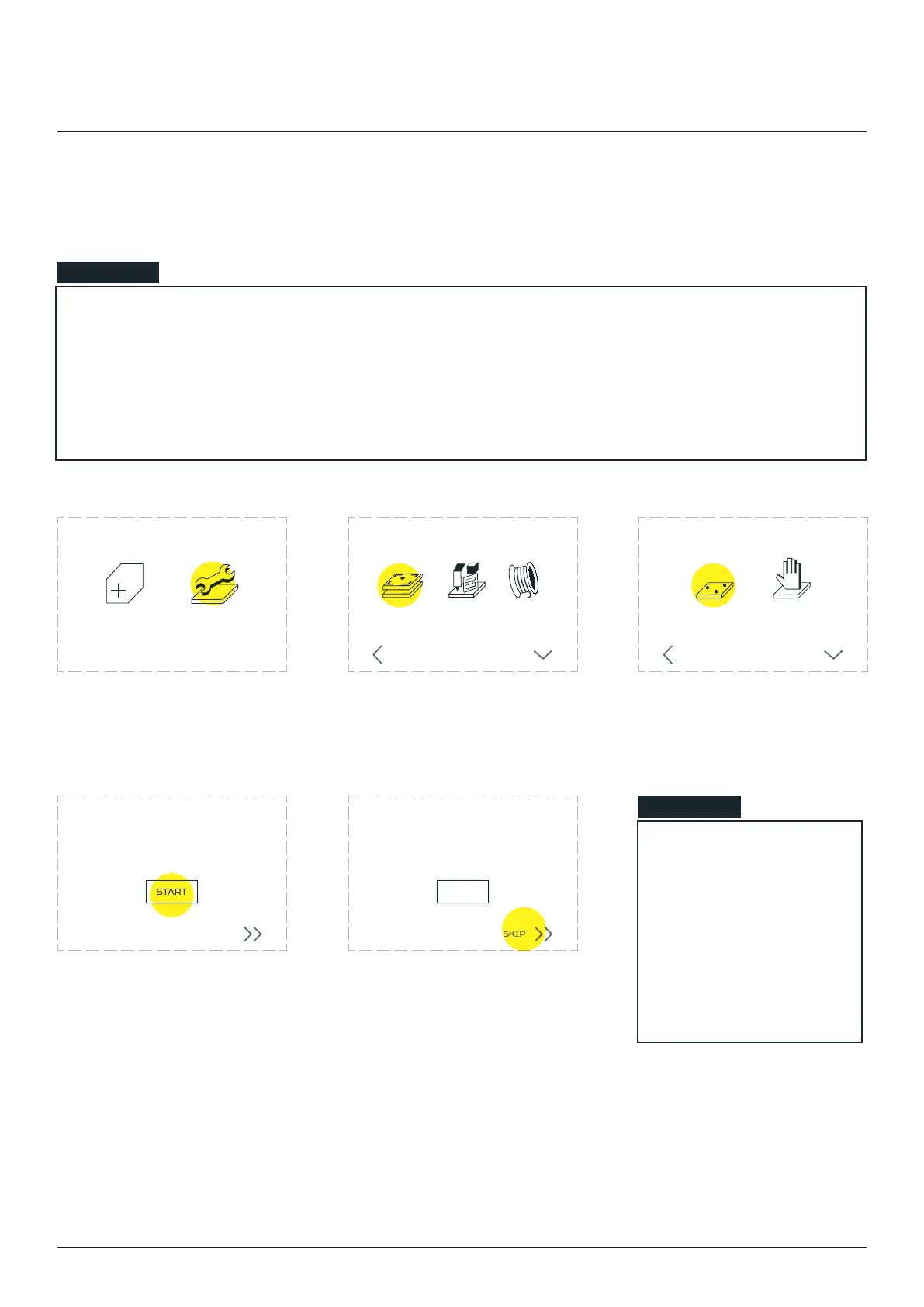
9.2 Autocalibration
Dual Extruder Toolhead
Choose ‘MAINTENANCE’. Choose ‘’. Choose ‘’. Wait
for the machine to heat up
To ensure best calibration
result print calibration
pattern. Choose ‘START’.
LOAD
FILAMENT
CHANGE
TOOL
CALIBRATE
3D PRINTING
BACK MORE
CALIBRATION
AUTO
3-POINT
BACK MORE
MANUAL
CALIBRATION
NEW JOB MAINTENANCE
In the last calibration step the machine
will print five lines as a final touch
SKIP
START
CALIBRATION
In the last calibration step the machine
will print five lines as a final touch
SKIP
START
CALIBRATION
user is approving the
automatic calibration
without visual
validation. After that
the calibration process
ends.
NOTE



 To Next Page