zmorph3d.com 41
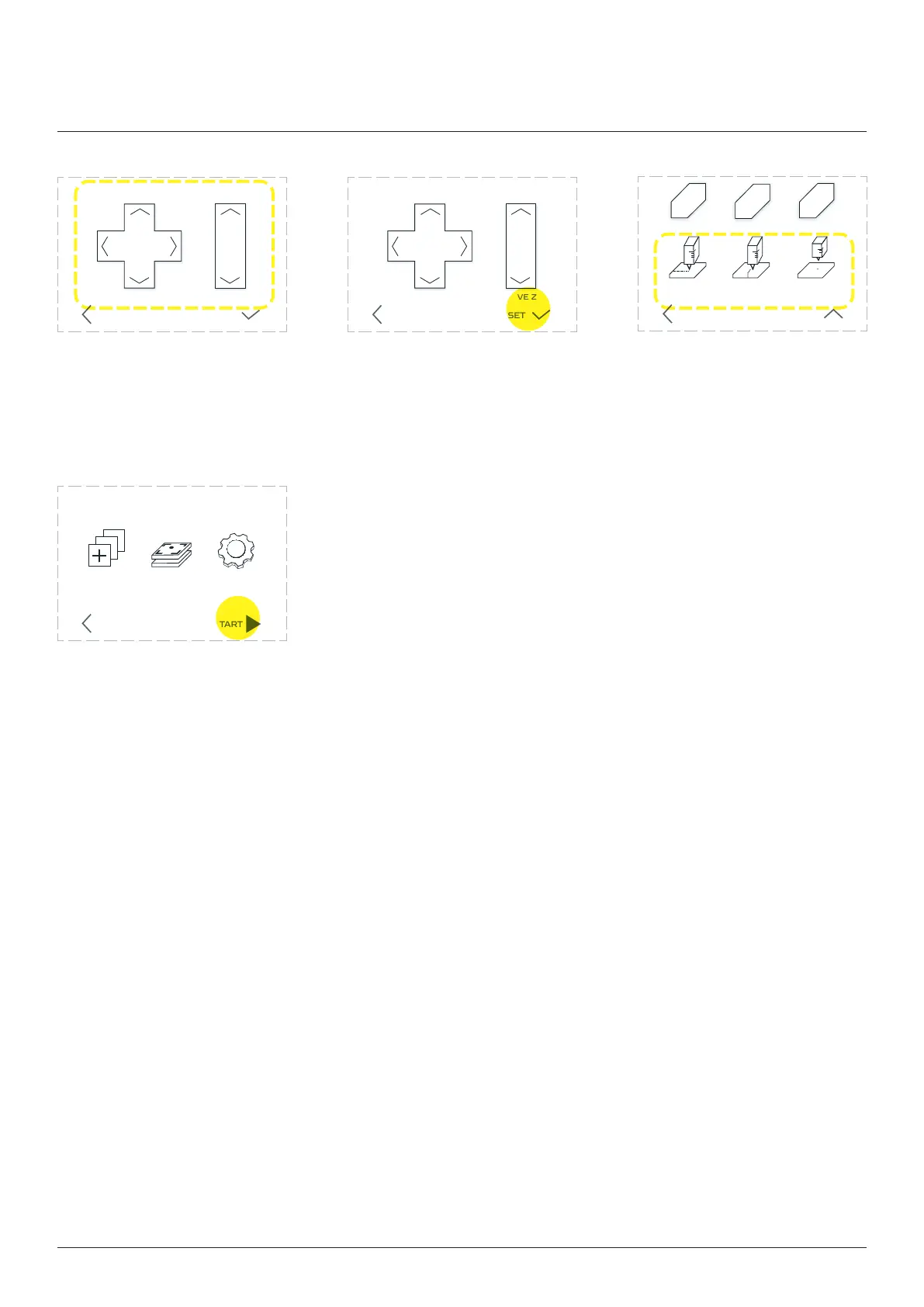
Go back to the main menu and
choose ‘START’. Your machine will
start working.
CALIBRATE SETTINGSCHOOSE
FILE
STARTBACK
Use the ‘MOVE’ buttons to
syringe to be 1mm above the
front left corner of the table.
Return to the ‘SET’ page.
X Y Z
MOVE ZMOVE X Y
BACK SET
X Y Z
MOVE ZMOVE X Y
BACK SET
ZX
Y
HOME X HOME ZHOME Y
SET Y = 0 SET Z = 0
BACK MOVE
SET X = 0
Thick Paste Extruder
10mm 10mm1mm 1mm
70.00 70.0030.00 30.0012.00 12.00



 To Next Page