Product Manual - ZMORPH i500 back to table of content
>>
42
Maintenance
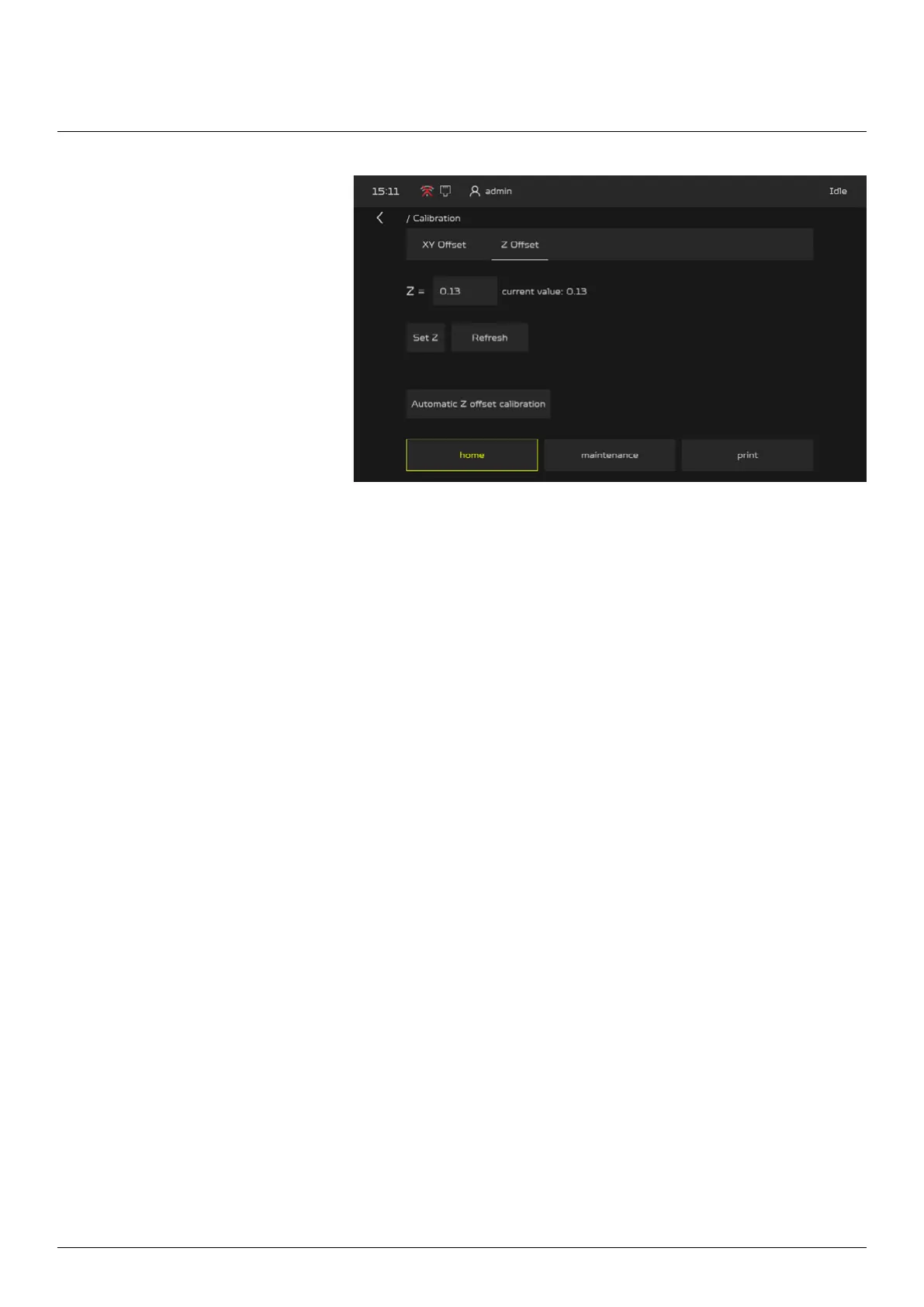
2. Press “Z Oset”
3. To start the calibration press the “Automatic Z oset calibration” button. Before that make sure the
nozzles are clean and the heated bed is empty.
4. The extruder will go to the left rear corner to perform the Z oset calibration, once done press the
“Refresh” button and apply the z oset value with by pressing “Set Z”.



 To Next Page