Setting the language shown
Setting the language
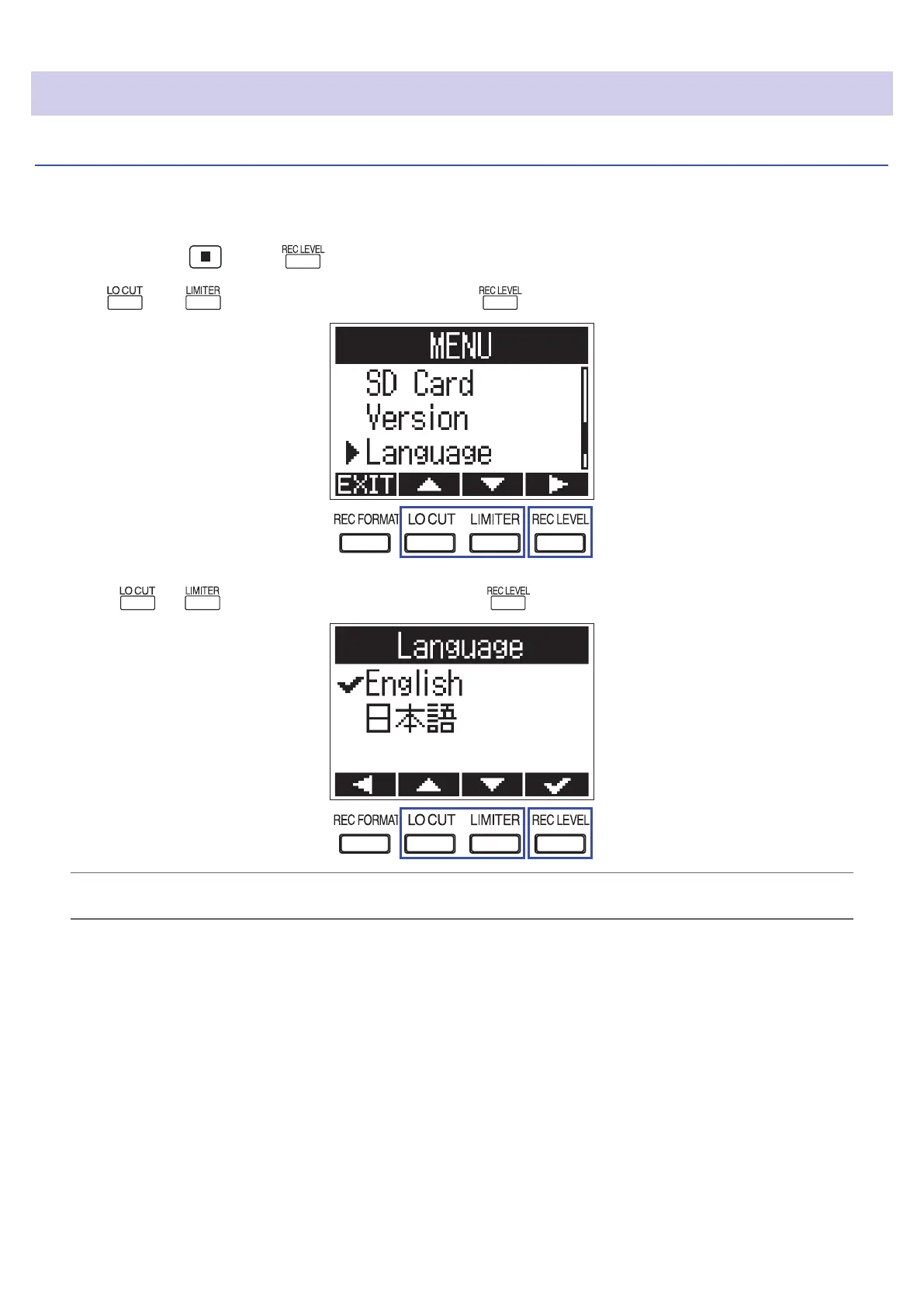
Set the language shown on the display.
1.
While pressing , press to open the MENU screen.
2.
Use and to select "Language", and press .
3.
Press or to select the language, and press .
HINT
The rst time you turn the power on after purchase, this screen opens automatically.
13



 To Next Page