Using USB functions
Connecting to computers and iOS devices
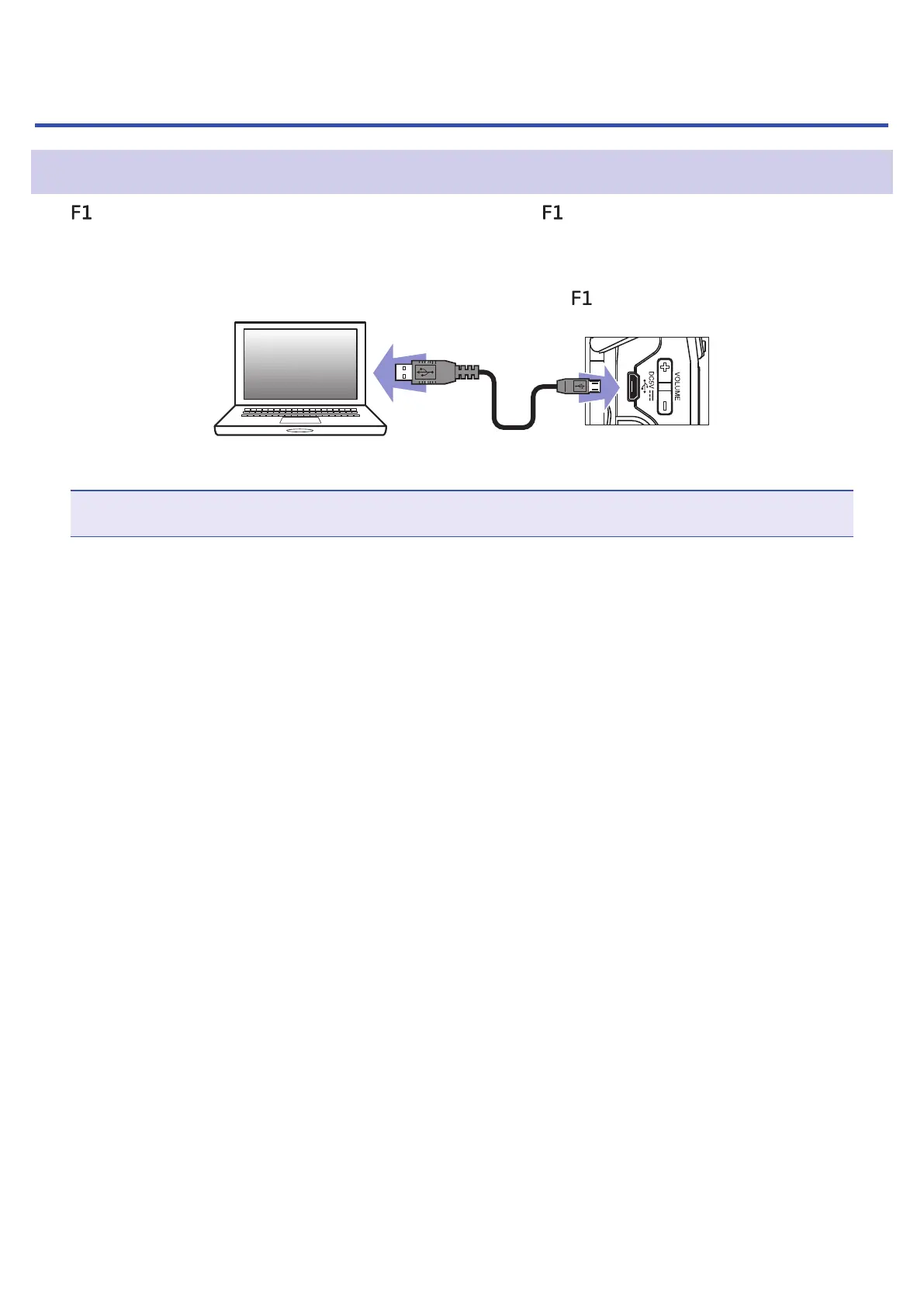
The can be used as a card reader or audio interface when the is connected to a computer, iOS device
or other equipment.
1.
When the Home Screen is open, use a USB cable to connect the to a computer or iOS device.
The USB screen will open.
NOTE
A Lightning to USB Camera Adapter is necessary to connect an iOS device.
42



 To Next Page