Conducting a full test
NOTE
Use the AC adapter to supply power when conducting a full test (
→
"Using an AC adapter").
1.
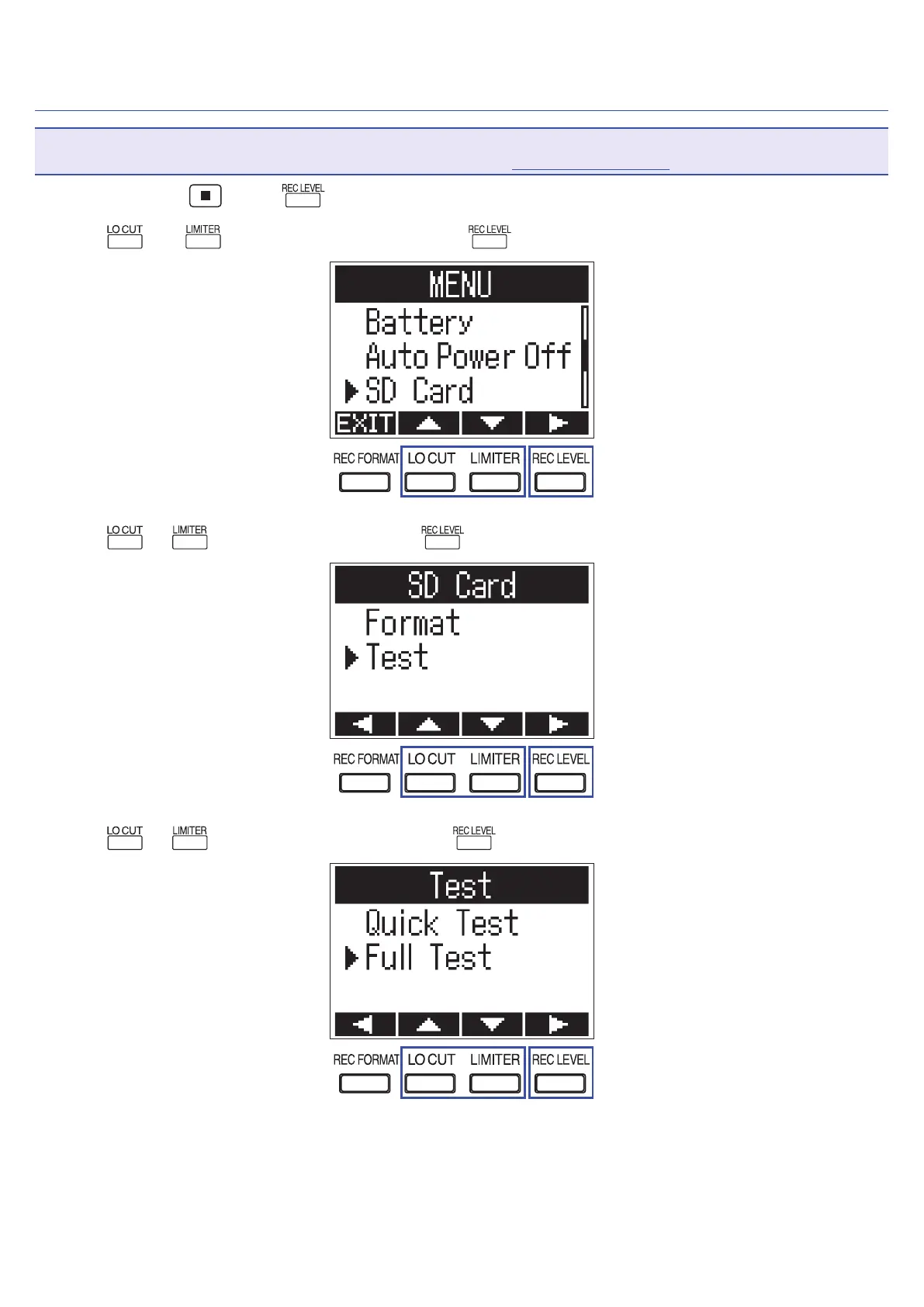
While pressing , press to open the MENU screen.
2.
Use and to select "SD Card", and press .
3.
Use or to select "Test", and press .
4.
Use or to select "Full Test", and press .
65



 To Next Page