Using as a card reader
You can use a computer to check the les saved on the microSD card and copy those les to the computer.
1.
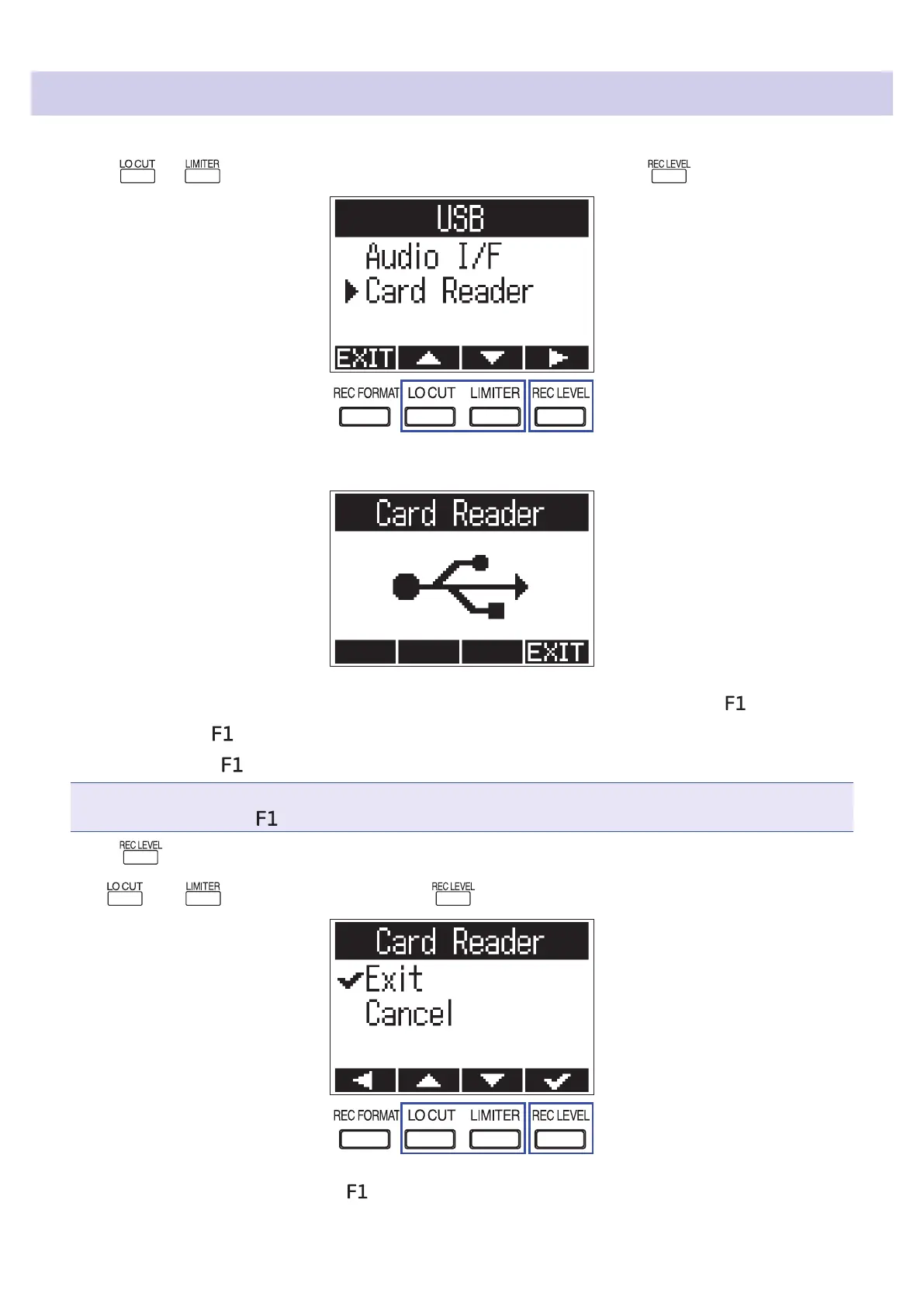
Press or on the USB screen to select "Card Reader", and press .
2.
Use the computer to transfer the les saved on the microSD card.
3.
When you want to disconnect, use the computer to end the USB connection with the .
Windows: Select from "Safely Remove Hardware".
Mac OS: Drag the
icon to the Trash and drop it.
NOTE
Always properly eject the
before removing the USB cable.
4.
Press .
5.
Use and to select "Exit", and press .
6.
Disconnect the USB cable from the and the computer.
43



 To Next Page