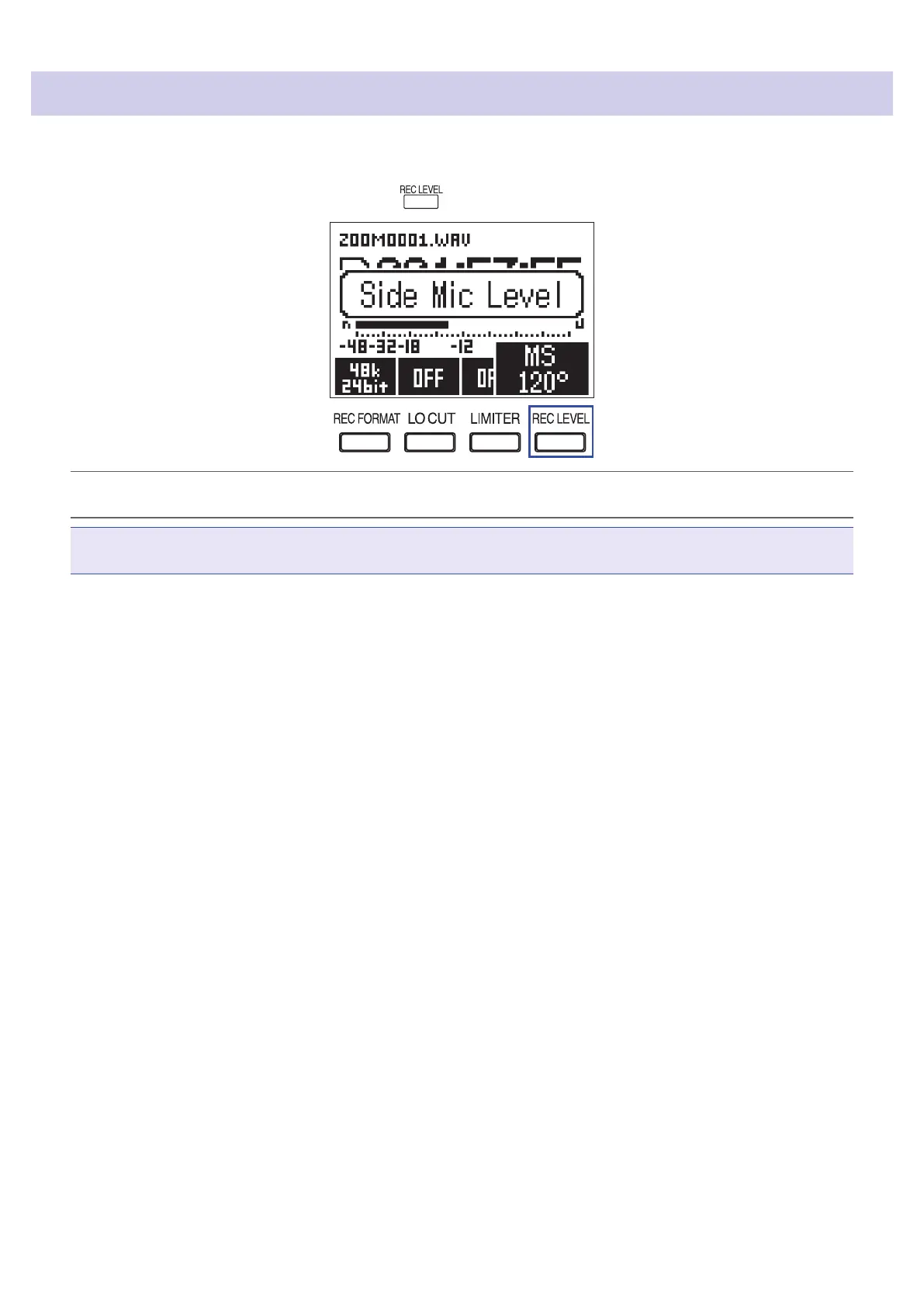
Adjusting the side mic level of a mid-side capsule
You can adjust the side mic level (stereo width) before recording when using a mid-side mic capsule
1.
When the mic capsule is connected, press , and select the side mic level.
HINT
This can be set to OFF, 30°, 60°, 90°, 120° or 150°.
NOTE
This cannot be changed while recording.
25



 To Next Page