Preventing misoperation
In order to prevent misoperation while recording, the hold function can be used to disable the buttons on the
.
NOTE
This can be set to automatically disable button operation only during recording.
(
→
"Automatically disable buttons during recording")
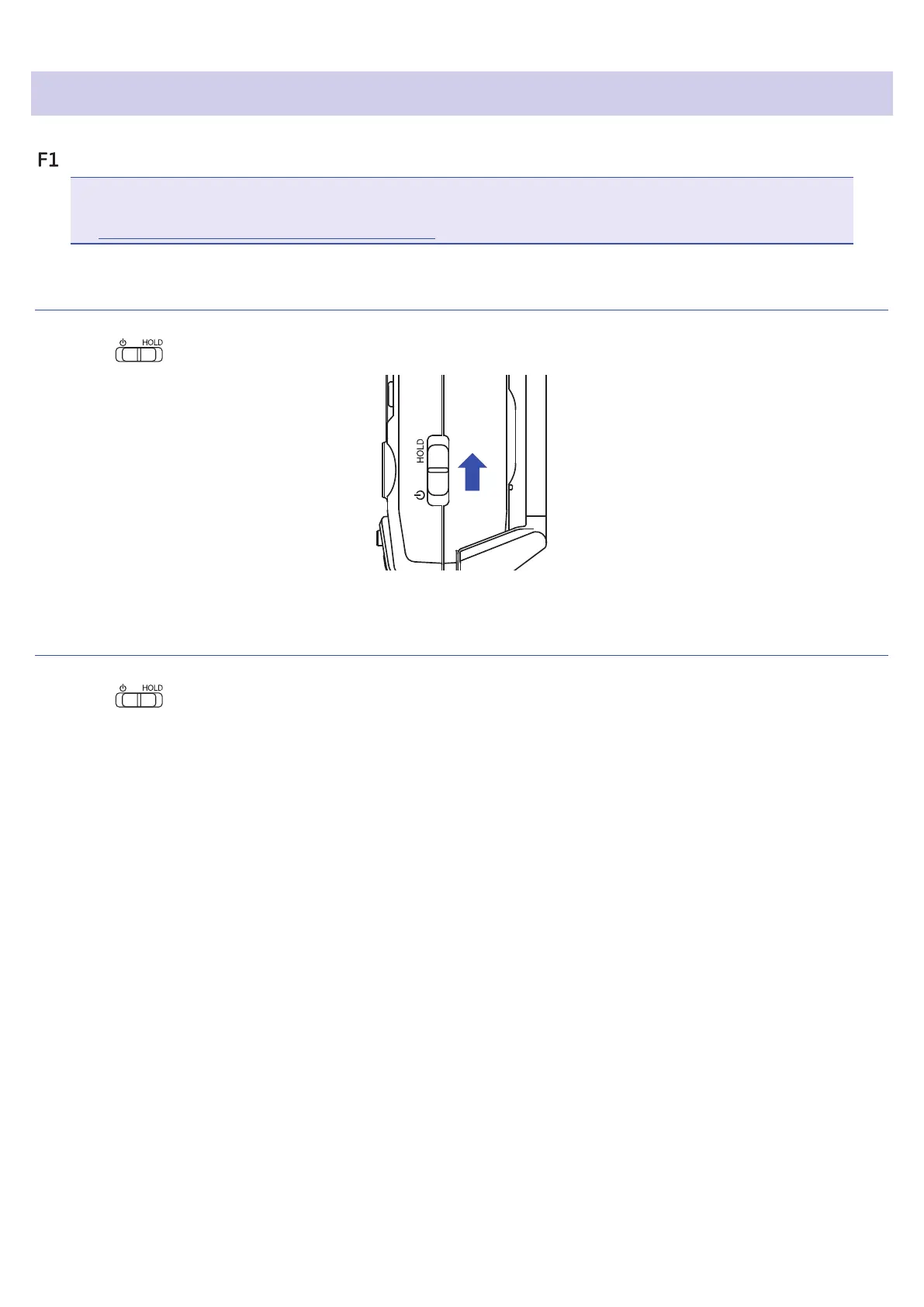
Activating the HOLD function
1.
Slide to HOLD.
Deactivating the HOLD function
1.
Slide back to the middle.
19



 To Next Page