Set the recording le type
When using the MIC/LINE IN jack, the recording le type (mono/stereo) can be selected. This cannot be set
when using a ZOOM mic capsule.
1.
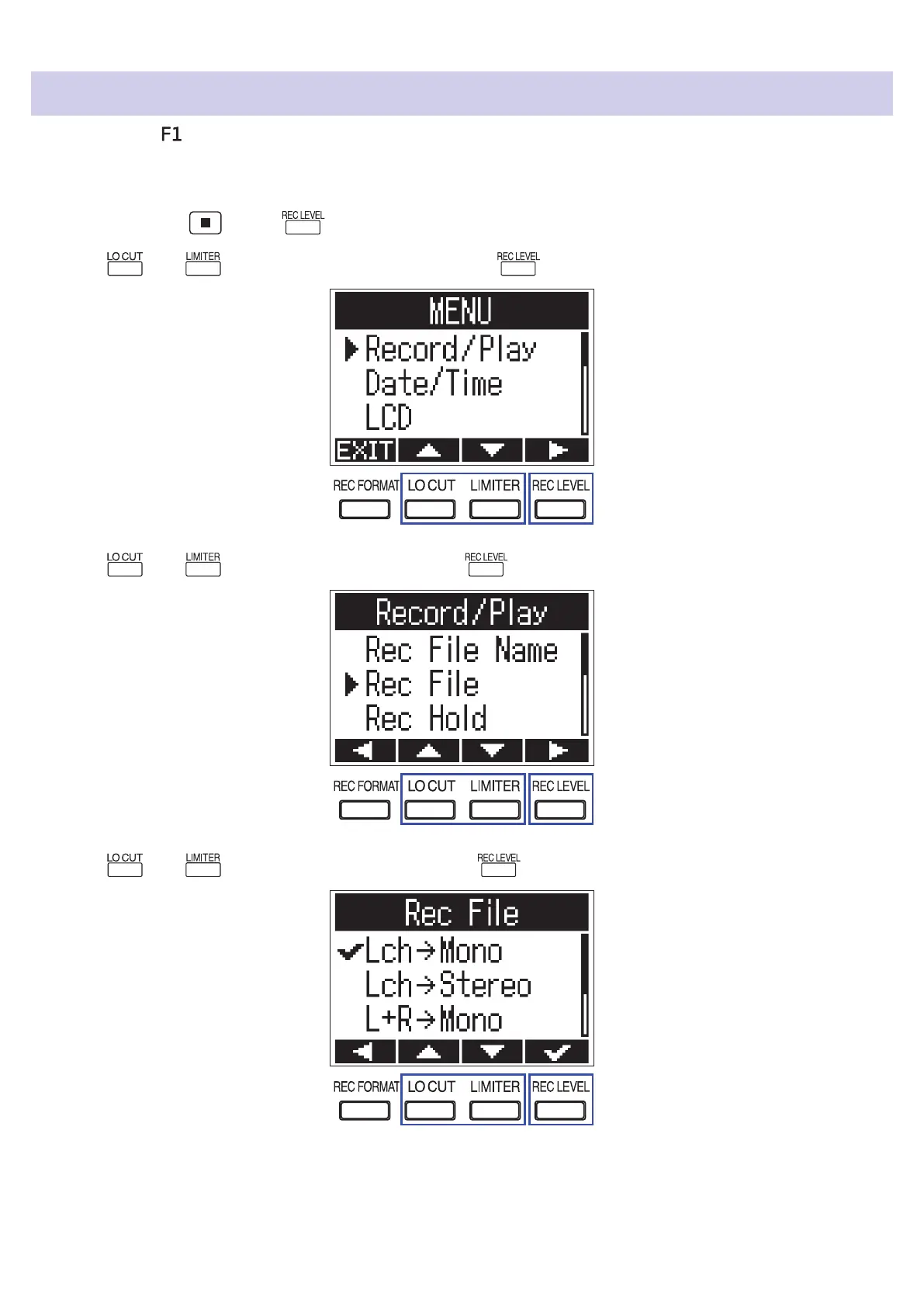
While pressing , press to open the MENU screen.
2.
Use and to select "Record/Play", and press .
3.
Use and to select "Rec File", and press .
4.
Use and to select the le type, and press .
49



 To Next Page