Making various settings
Setting the recording le name format
The format can be set for the names given to les automatically during recording.
1.
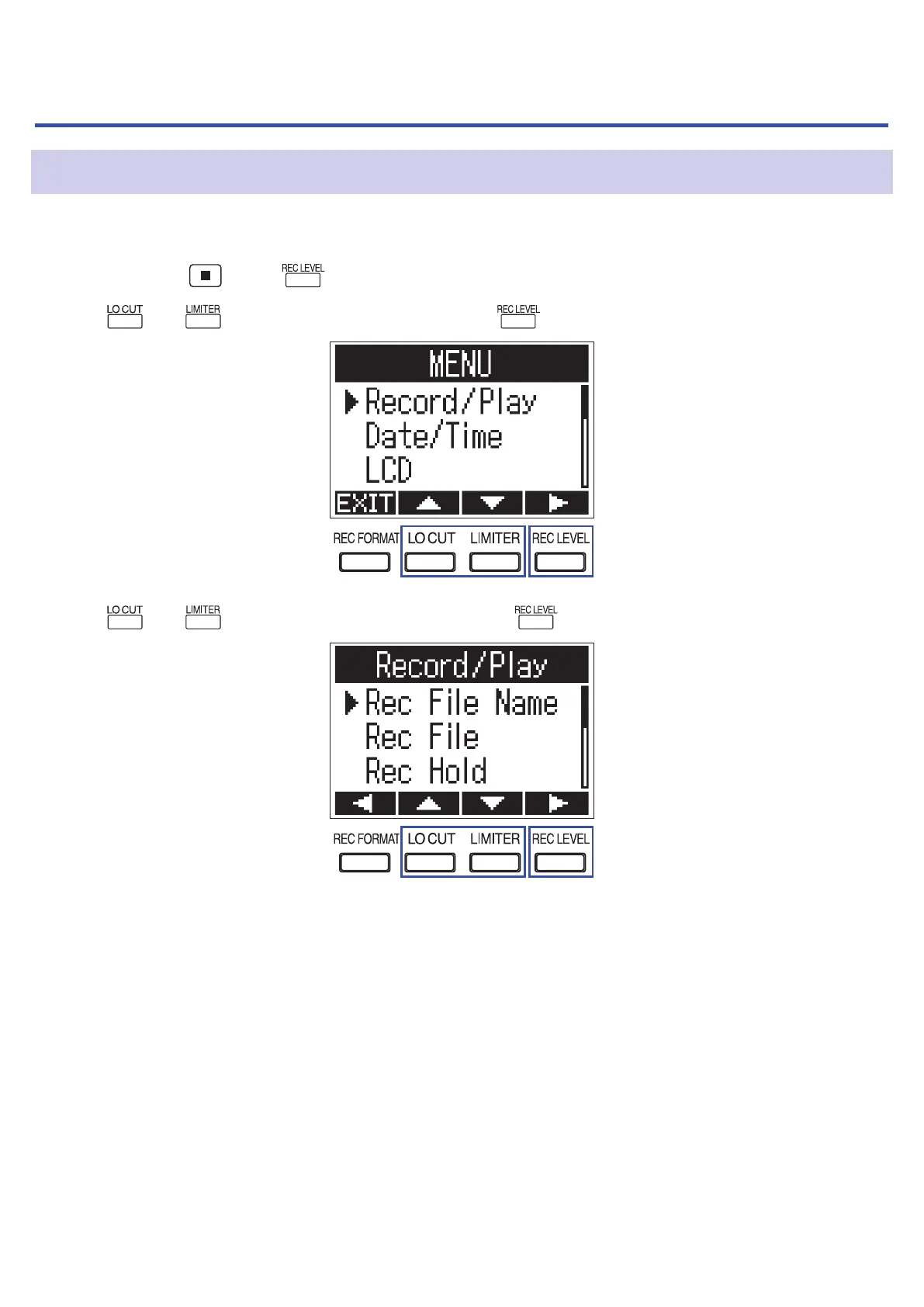
While pressing , press to open the MENU screen.
2.
Use and to select "Record/Play", and press .
3.
Use and to select "Rec File Name", and press .
47



 To Next Page