Checking the rmware versions
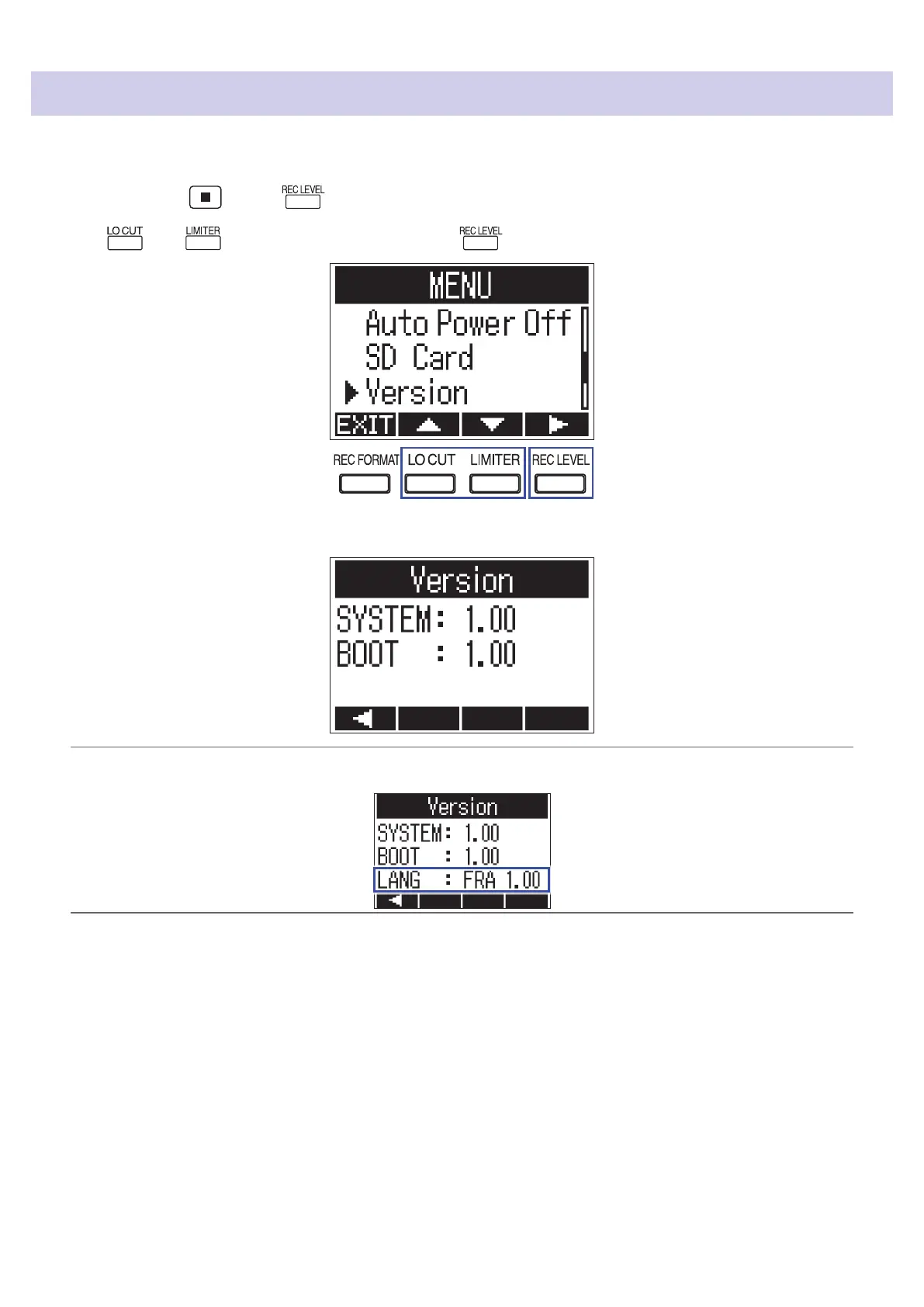
You can check the current rmware versions.
1.
While pressing , press to open the MENU screen.
2.
Use and to select "Version", and press .
3.
Check the rmware versions.
HINT
If a language le has been added, its version will also be shown.
67



 To Next Page