Setting the time until the power turns o automatically
You can set the to automatically turn o after being unused for a specic amount of time.
1.
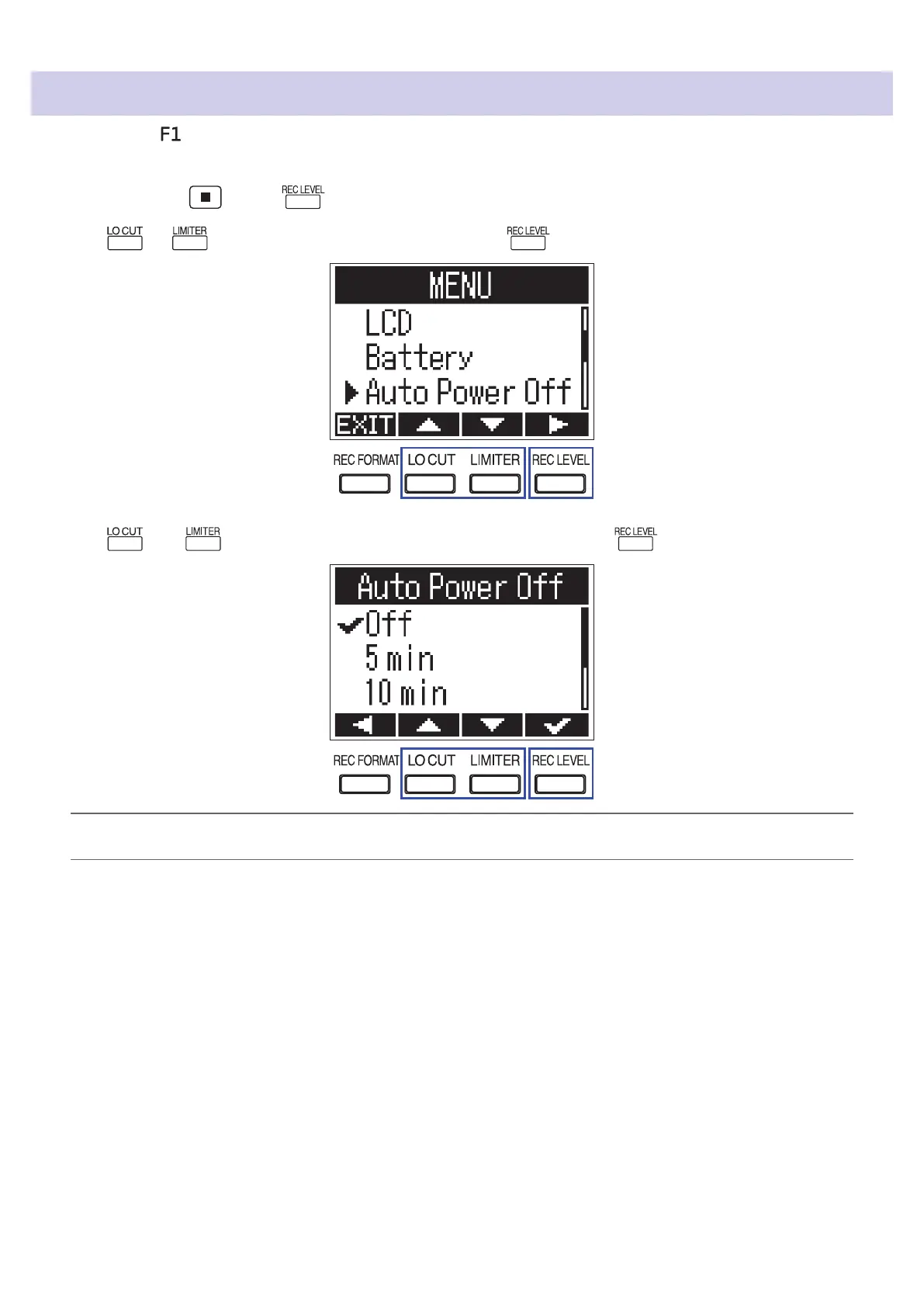
While pressing , press to open the MENU screen.
2.
Use or to select "Auto Power O", and press .
3.
Use and to set the time until the power turns o, and press .
HINT
This can be set to O, 5, 10, 30, or 60 minutes.
60



 To Next Page