the converting the backup to AVI format.
Insert the Backup device in to your PC, the Backup viewer will then run automatically. (The
autorun feature will not happen if you didn’t select export viewer when making the backup)
To playback using the backupviewer :
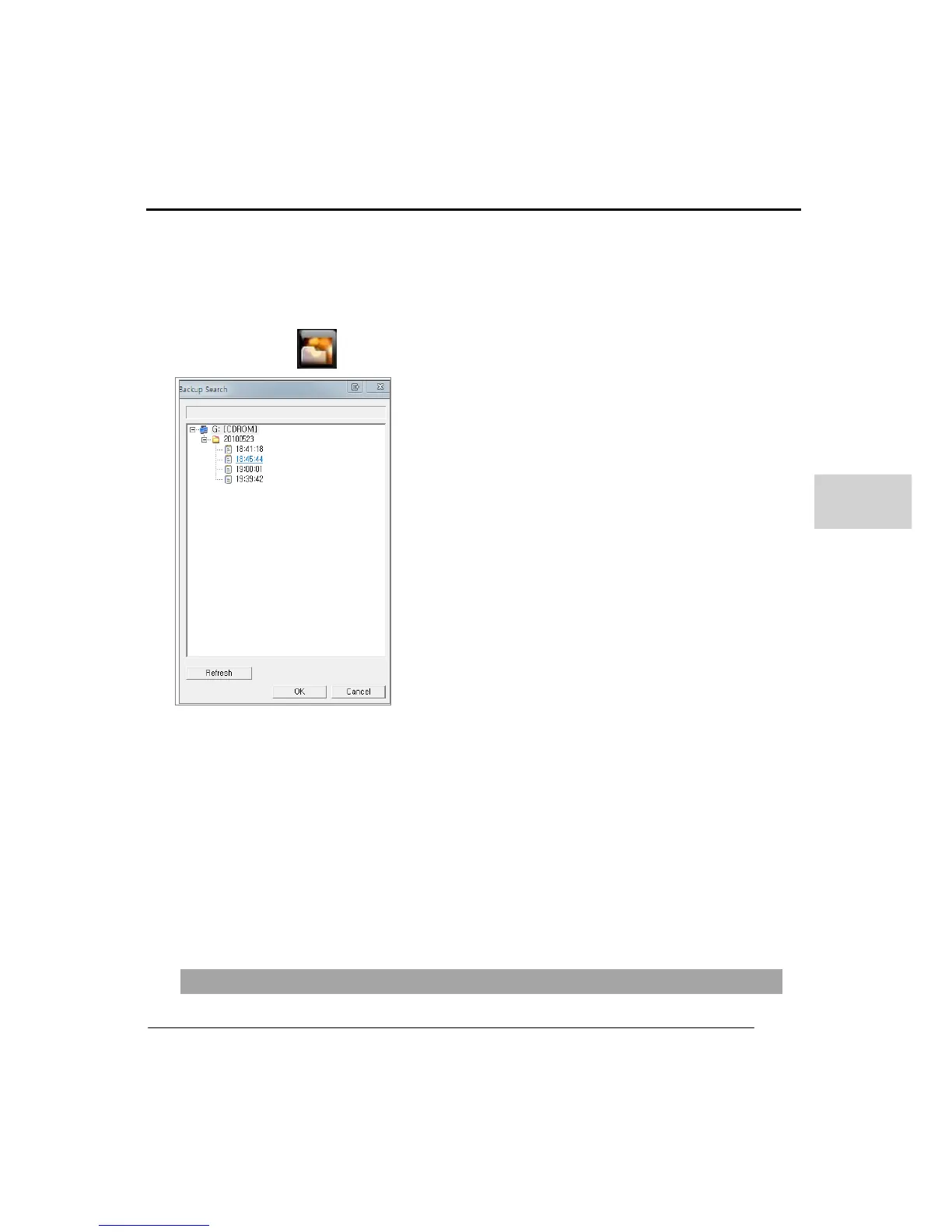
1. Press button Backup search browser will be displayed
2. Select a backup folder to open (folders are assigned by date)
3. Then select the backup file In the folder (backup files are assigned by the time)
4. Click the ‘OK’ button
5. The Backupviewer will then play back the recorded data on each channel
6. Select a desired channel full screen use left double click.
7. Use the playback control buttons to search the backup.



 To Next Page