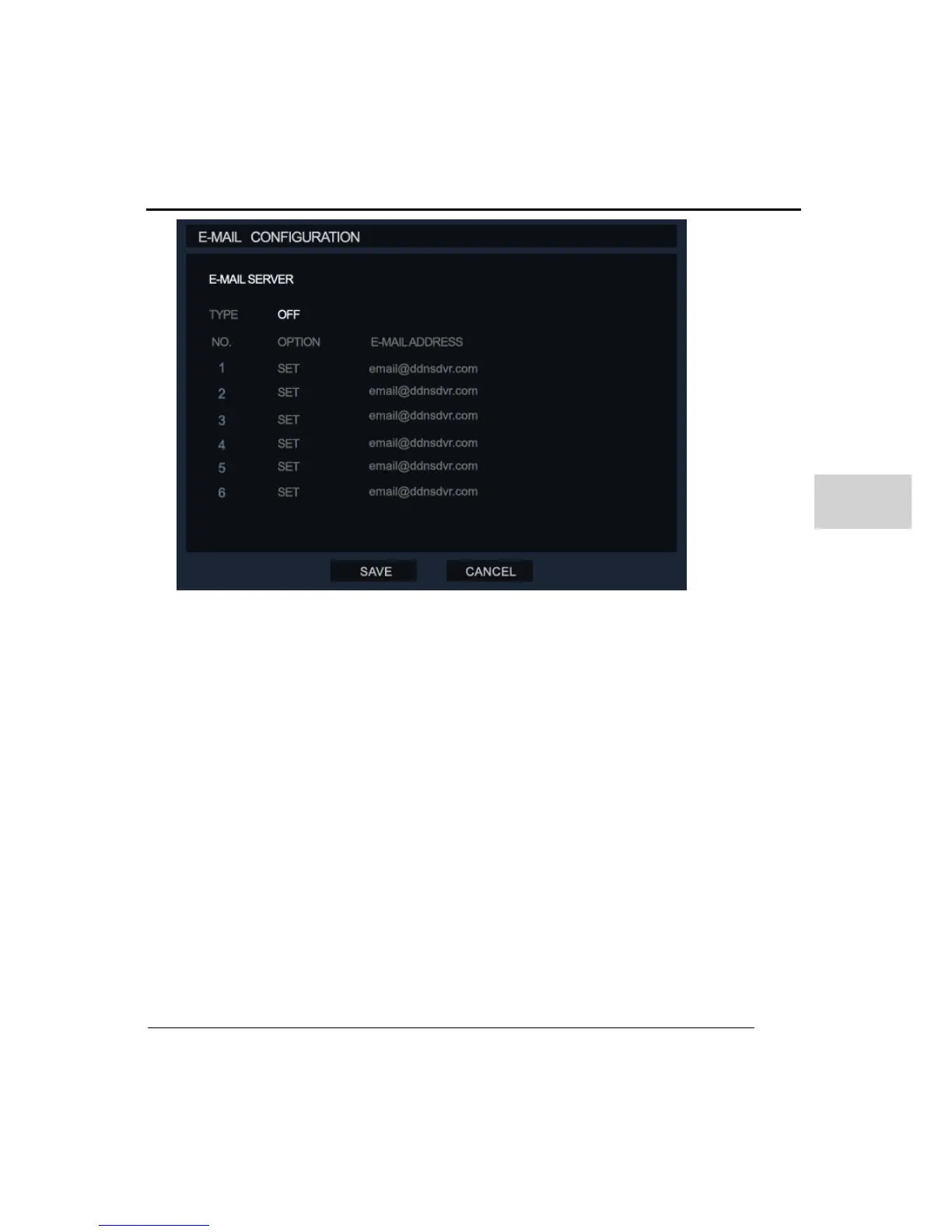
Type: Toggle the Type between ON/OFF to setup e-mail server.
Option: On each mail account the user can choose which options such as ‘Motion
detection/Sensor/ Video Loss/ Power/ Setup/ Login/ Login Fail/ Disk full & S.M.A.R.T’ will
send an email message.
Email Address: Enter the email address of the user’s account. Up to 6 e-mail accounts can
be registered.
6. INFORMATION
(1) SYSTEM LOG
The system log can be used to display information about the DVR unit.
Date: Click on the date to select which day you wish to review the system log.



 To Next Page