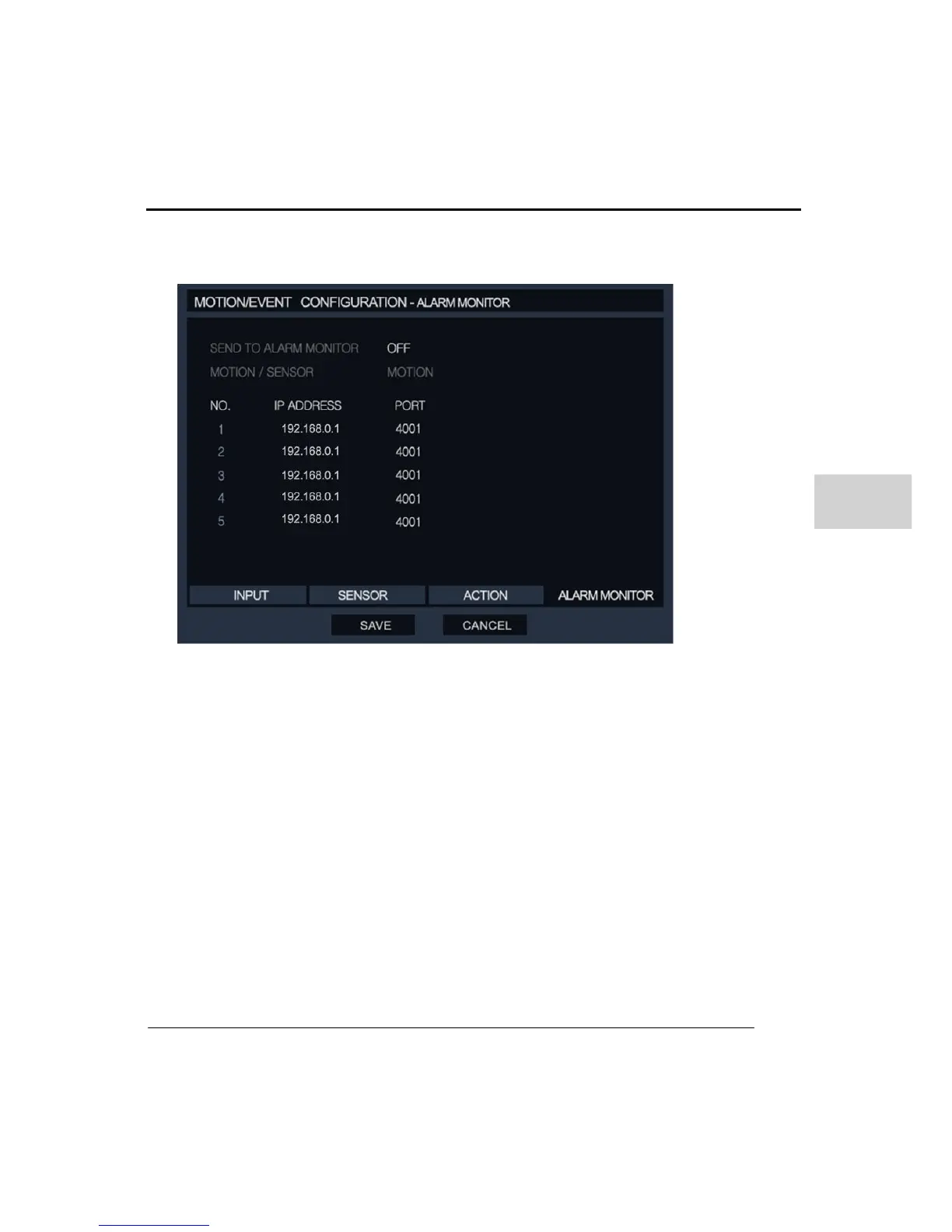
Network Setup: User should enter the IP address of the remote client and which port
number (default port is 2000). Up to 5 different remote IP address are available.
The Alarm monitor feature provides video clip and information of event triggered by sensor
or/and motion.
5. NETWORK
(1) NETWORK CONFIGURATION
Input the details for the type of network that the DVR is connected.
Network Type: Select network type as either STATIC IP or DHCP.
Subnet Mask / Gateway: Enter the IP address of Router and Gateway. This information is
necessary when you are connecting to a network via router. If you are unsure what
information to input then contact the local network administrator or ISP.



 To Next Page