H7016 User manual
3-4
2. LIVE MODE
(1) SELECT A CHANNEL
You can change the live display mode simply by pressing the front panel or remote
controller buttons.
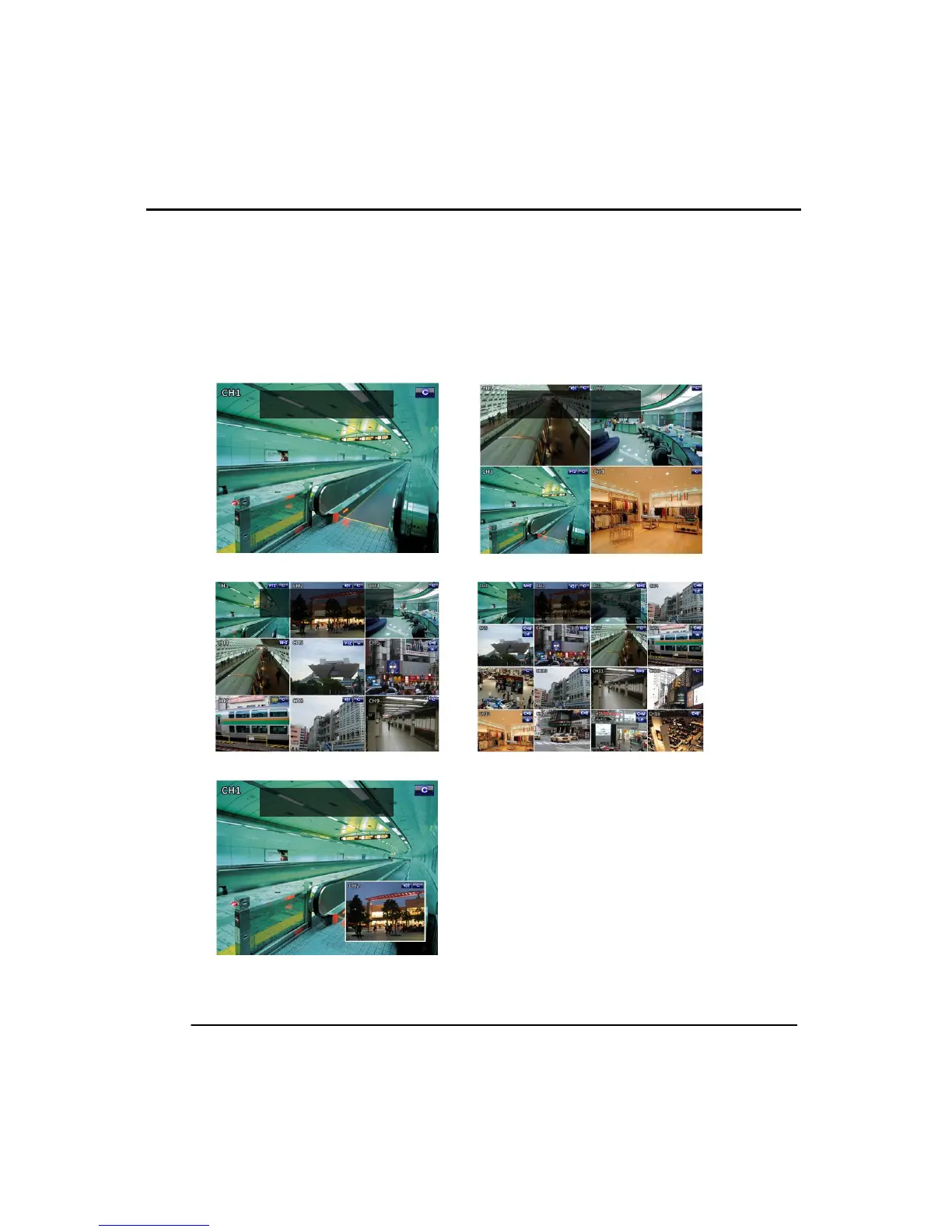
Live display can be changed from 1,4,9,16,PiP displays. To change display options,
press the ‘Live’ button on front panel. The following illustrations are examples of the
live display modes.
Double click the left mouse button to select channel. To go back to previous display
mode, double click left mouse button again.



 To Next Page