H7016 User manual
3-10
3. PTZ
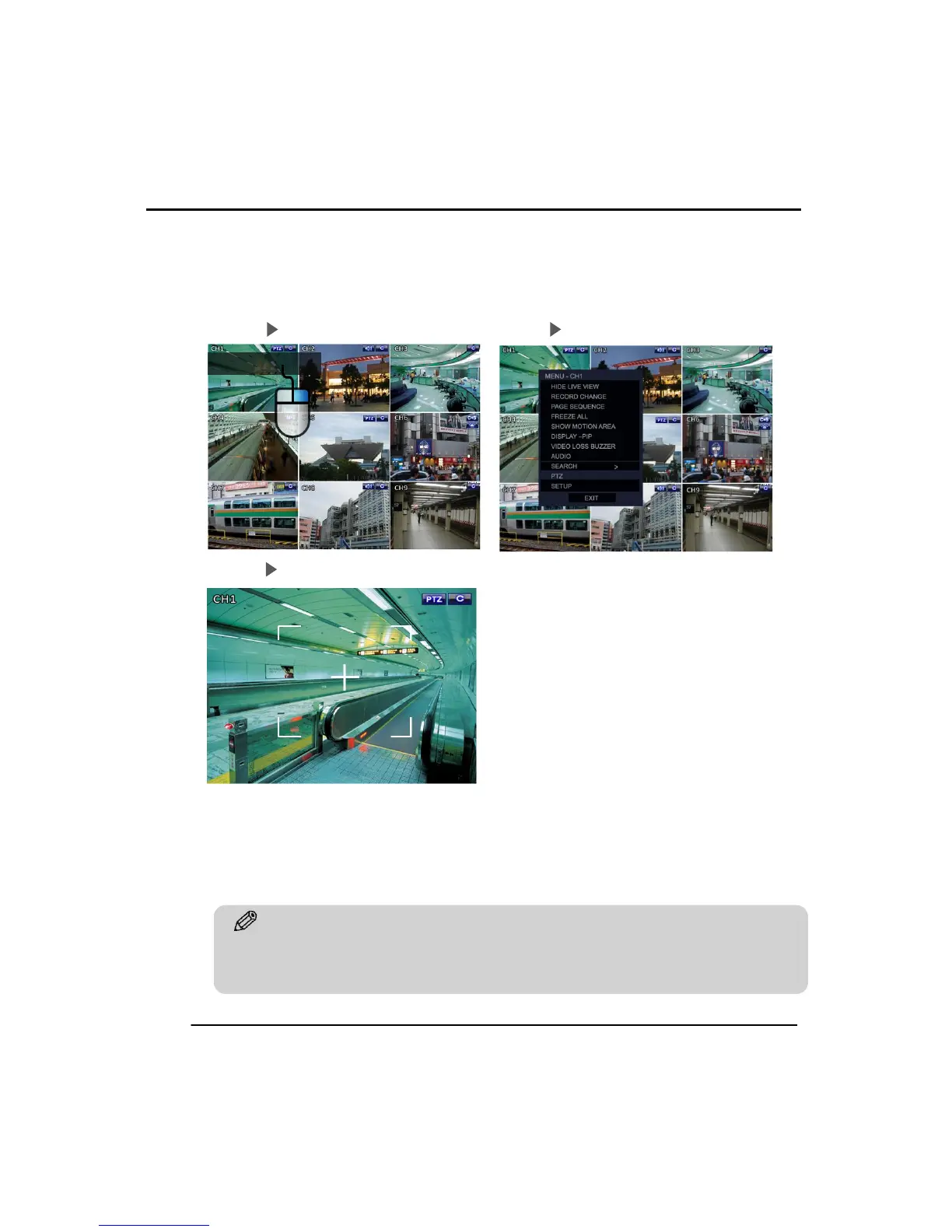
System changes to PTZ mode by selecting the ‘PTZ’ option in the pop up menu or by
clicking the PTZ icon on menu bar.
Step 01 Right Click the Mouse Button Step2 Click on the PTZ Option
Step 03 PTZ can be controlled by USB mouse.
Click and hold the left mouse button and drag it in the desired direction. The PTZ is
then moved in the same direction as the mouse. PTZ speed increases when you move
to mouse further away from the center of the image. The zoom control can be
controlled by using the wheel on the mouse.



 To Next Page