H7016 User Manual
4-16
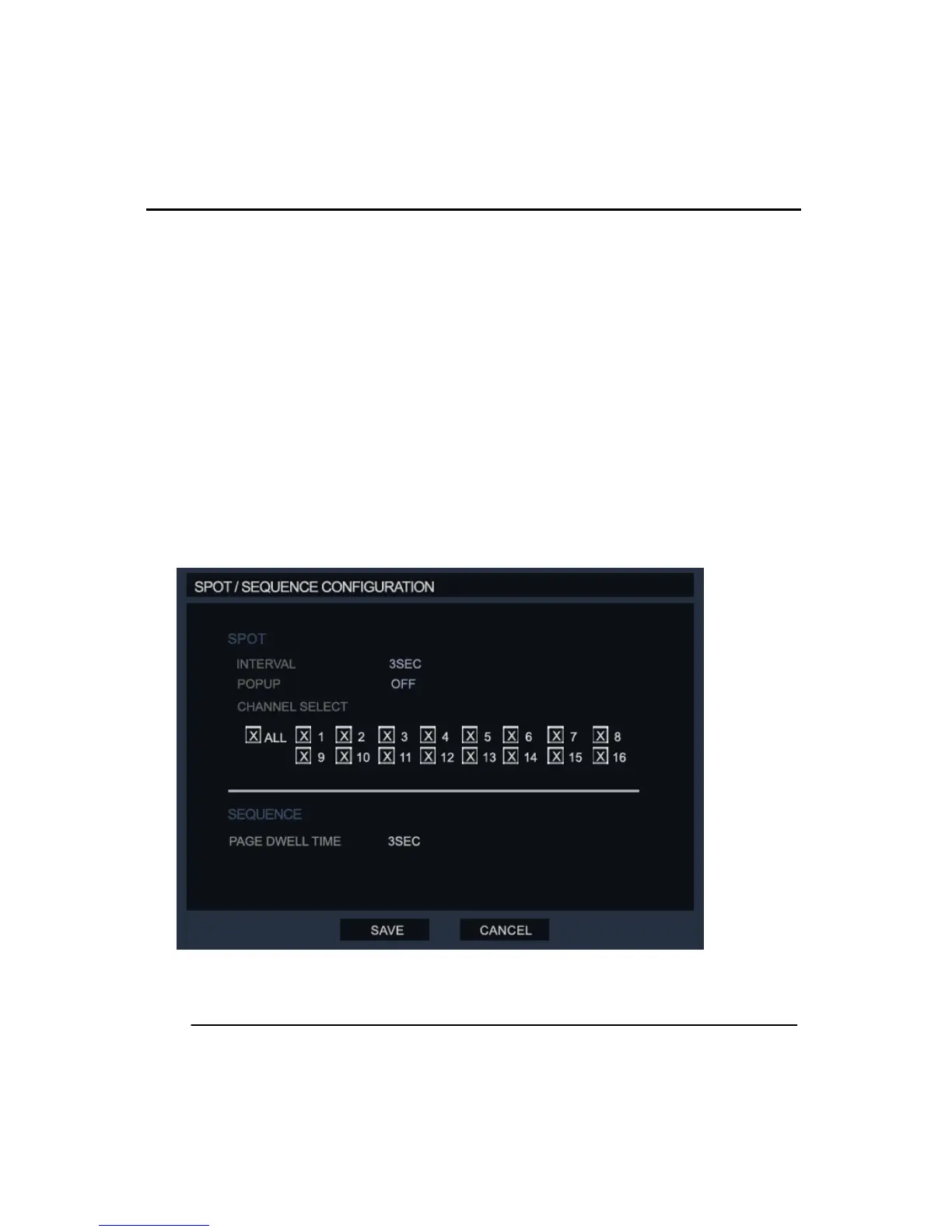
(3) SPOT/SEQUENCE CONFIGURATION
In this menu the user can set the options for Spot and Sequence control on the DVR,
SPOT: Configuration for the Spot monitor output of the DVR. (The time can be configured
from 1 to 100 seconds)
Interval: This is the time setting between which the cameras are rotated in the sequence
mode for the spot output.
Popup: When there is an alarm on the system the user can select to have that the
associated channel pop-up on the spot monitor.
Channel Selection: The user can select which cameras are included on the spot monitor.
SEQUENCE:
Page Dwell time: Set the time between screen changes for the sequence mode on the live
screen of the DVR. (The time can be configured from 1 to 100 seconds.)



 To Next Page