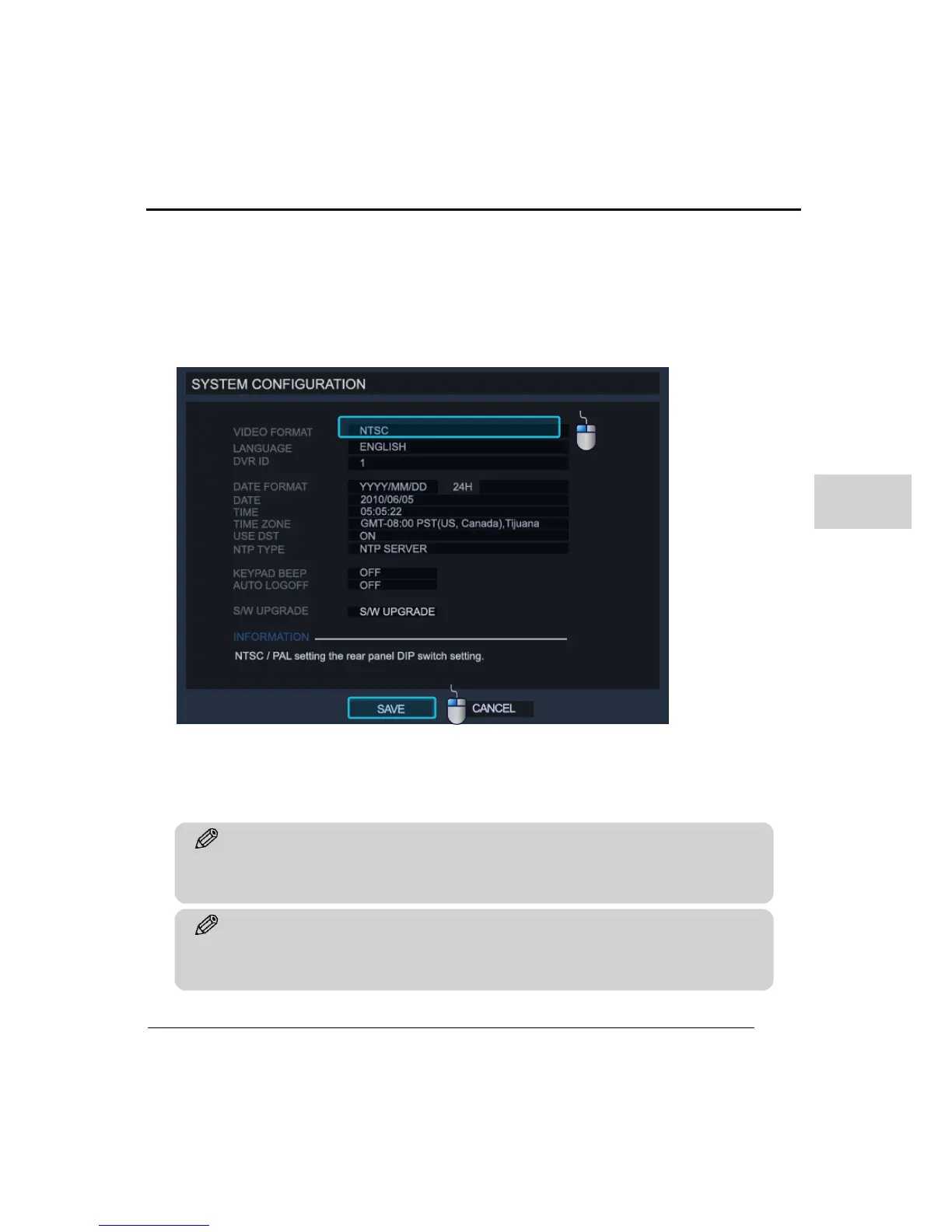
(1) SYSTEM CONFIGURATION
This menu shows the whole system status and can be used for setting up the general
configurations on the system. To convert between NTSC/PAL, use the switch on rear side
of this product. After switching between video formats you must restart system.
LANGUAGE : To change language, click on the box and choose one of languages by
clicking the left mouse button and then press the ‘SAVE’ button to apply.
DVR ID : The ID is for when the DVR is controlled by external device such as the remote
controller or a keyboard controller. To be controlled by external devices, the ID should be
same and check first if your devices are supported on this product. Some devices use serial
communication and the proper setting for this connection is required.
Tip
To setup Remote Controller ID, press & hold ‘ID’ button on remote controller and then press
desired ID number to use (00-19, 2digits)



 To Next Page