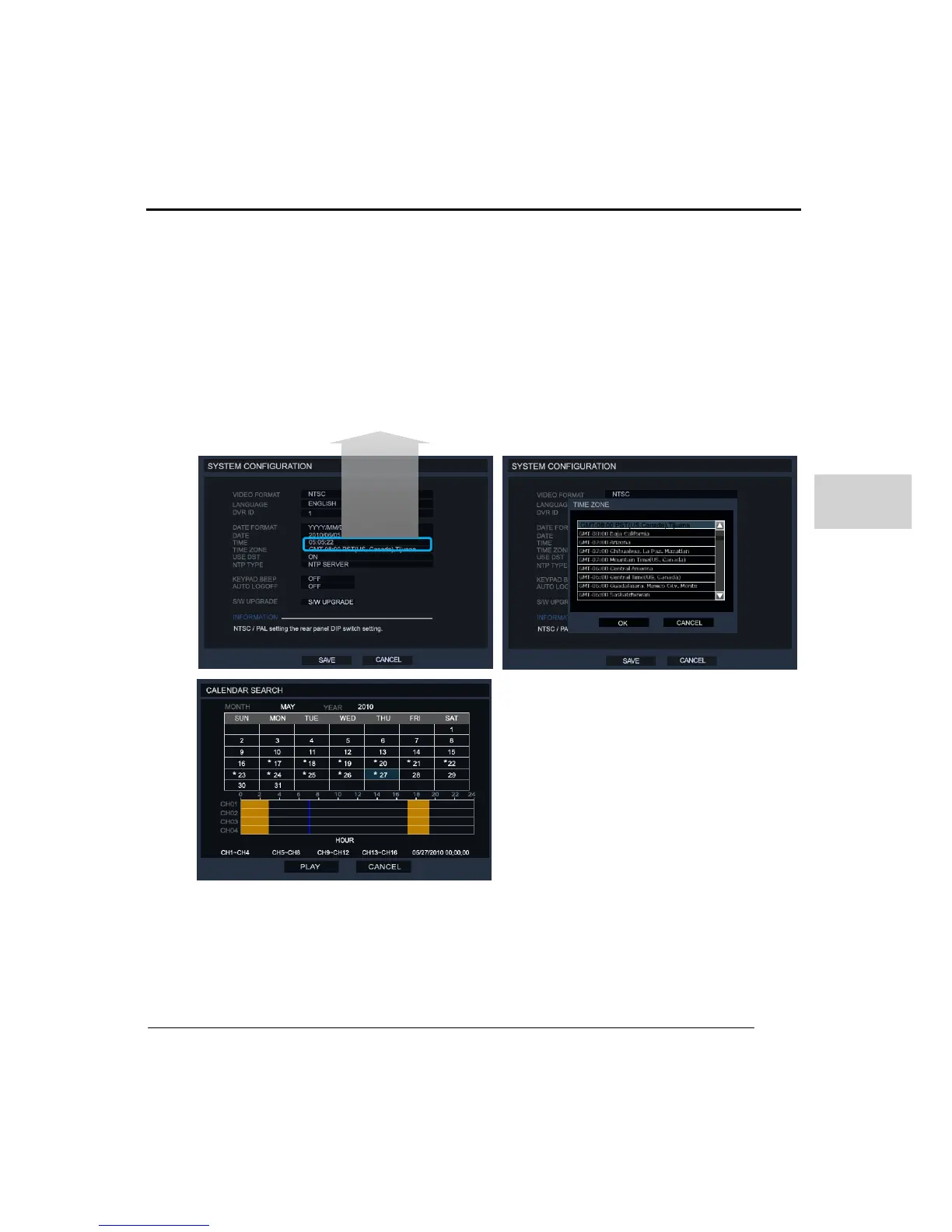
(7) DST (DAYLIGHT SAVING TIME)
The DVR system will change its time according to the configured DST zone setting.
This depends on your DST setting if you use this DVR in a country with DST changes,
please turn this option on. Once this feature activated it will control the time zone DST
increment +/- 1hr. At some point in the year the system will have duplicated data at the
time of the -1hr DST.
To set the DST, go to SYSTEM > SYSTEM CONFIGURATION. Check the option ‘USE
DST’ to ON and set the local time zone of the DVR.
When the user enters to the ‘SEARCH> DAYLIGHT SAVING SEARCH’, it marks with
the DST recorded data with a ‘*’, to then playback, click the play button.



 To Next Page