H7016 User Manual
4-18
4. RECORD
(1) RECORD CONFIGURATION
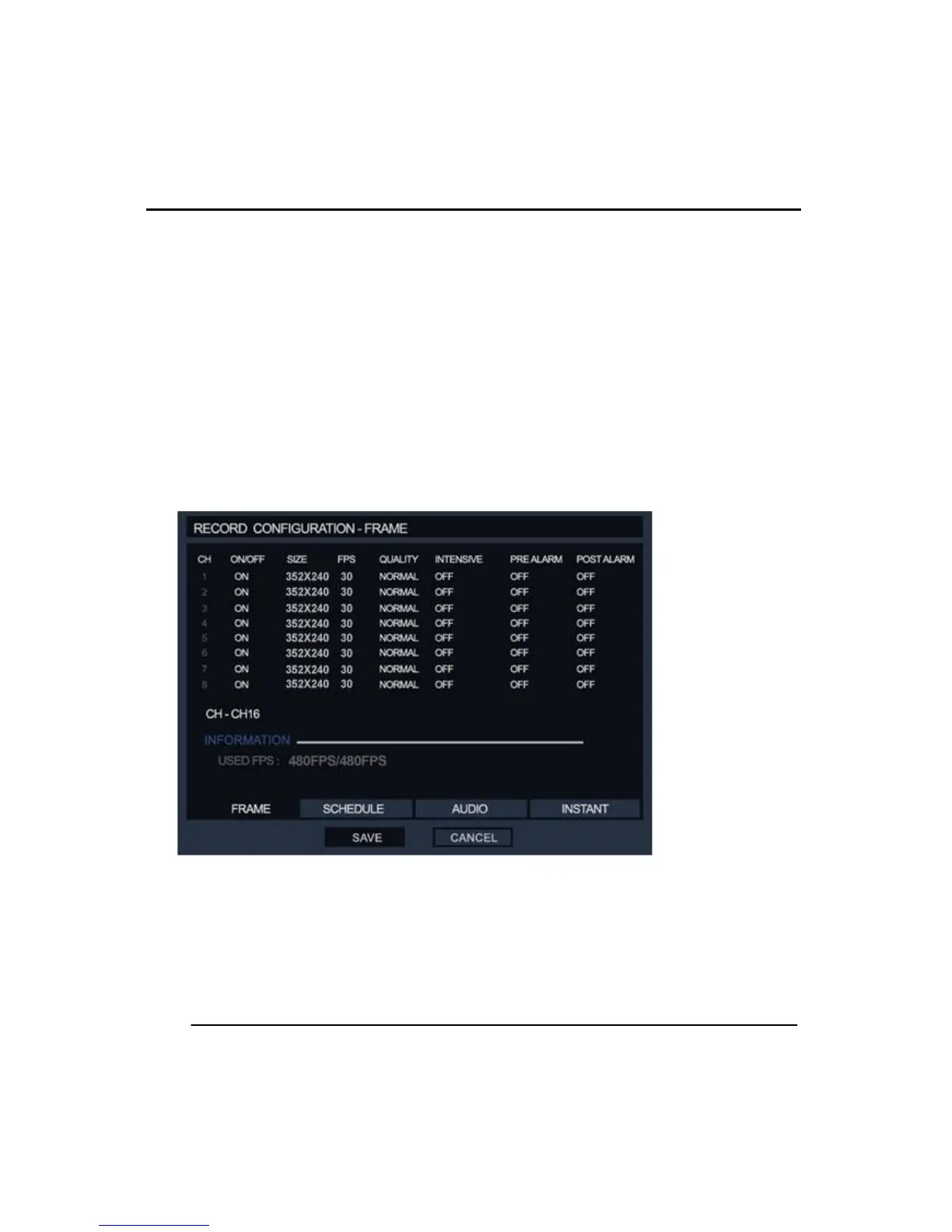
①FRAME
There is an option to switch On/Off which channels are recording. If the user does not want
to record a selected channel, set it ‘off’. Then the system will not record that channel
regardless of its input. Default setup is always [ON].
Set recording resolution in the ‘SIZE’ option, choose from CIF(352X240), 2CIF (704X240)
and D1( 704X480), default is 352x240 size(VHS picture quality). 720X480 displays a DVD
level of picture quality. Higher resolutions require more storage and this reduce the
recording retention ratios. Set the resolution by your requirements of the installation.
‘FPS’ mean the number of Frames per Second; a frame consists of even & odd fields. The
System calculates the FPS resource already occupied and automatically updates the
recording speed with every change.



 To Next Page