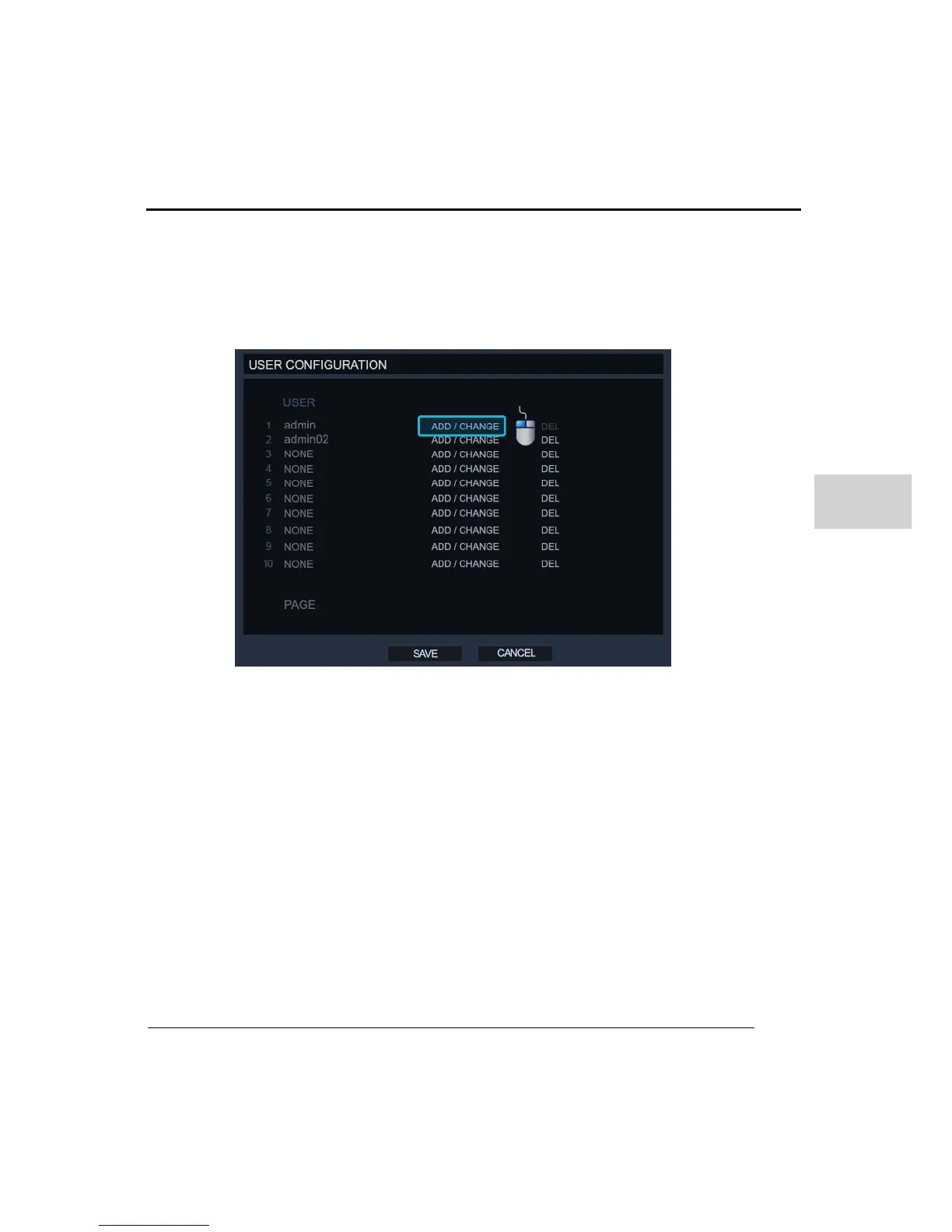
(3) USER CONFIGURATION
In user configuration, you can add, delete and change each user’s permission or login
authorization.
To add a new user :
1. Click on the ‘ADD/CHANGE’
2. Enter the username and password for the new account.
3. Set the user’s permission, these are the DVR functions they will be able to operate.
4. Then click the ‘OK’ button to create the account.



 To Next Page