H7016 User Manual
4-12
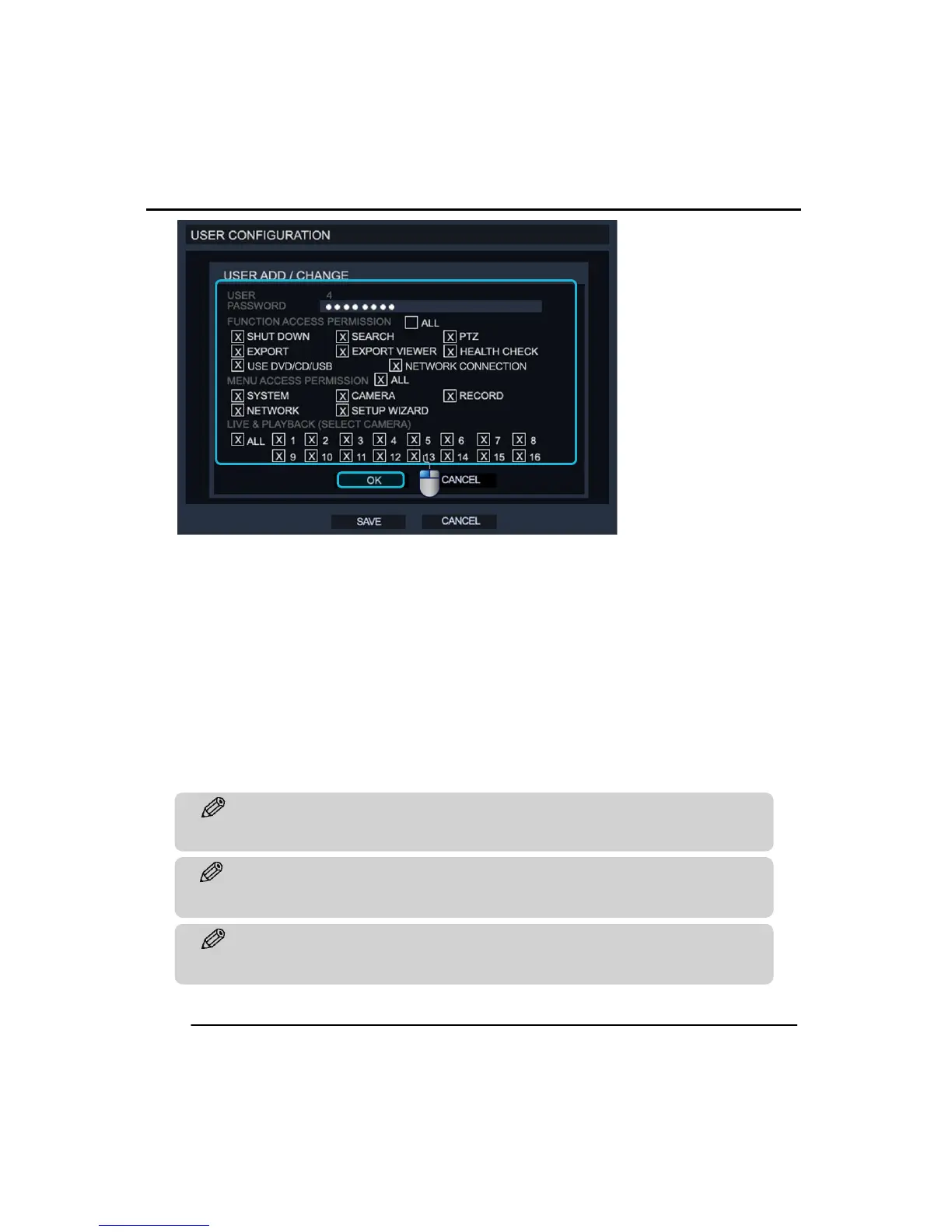
To change a Users permissions :
1. Decide which user to change from the users list.
2. Click the ‘ADD/CHANGE’ button.
3. Then the ‘USER ADD/CHANGE’ menu will be displayed as above.
4. Change permissions for the user and then click ‘OK’ to save.
To delete a user :
1. Decide which user to delete from the users list.
2. Click the ‘DEL’ button next to the user.



 To Next Page