H7016 User manual
3-14
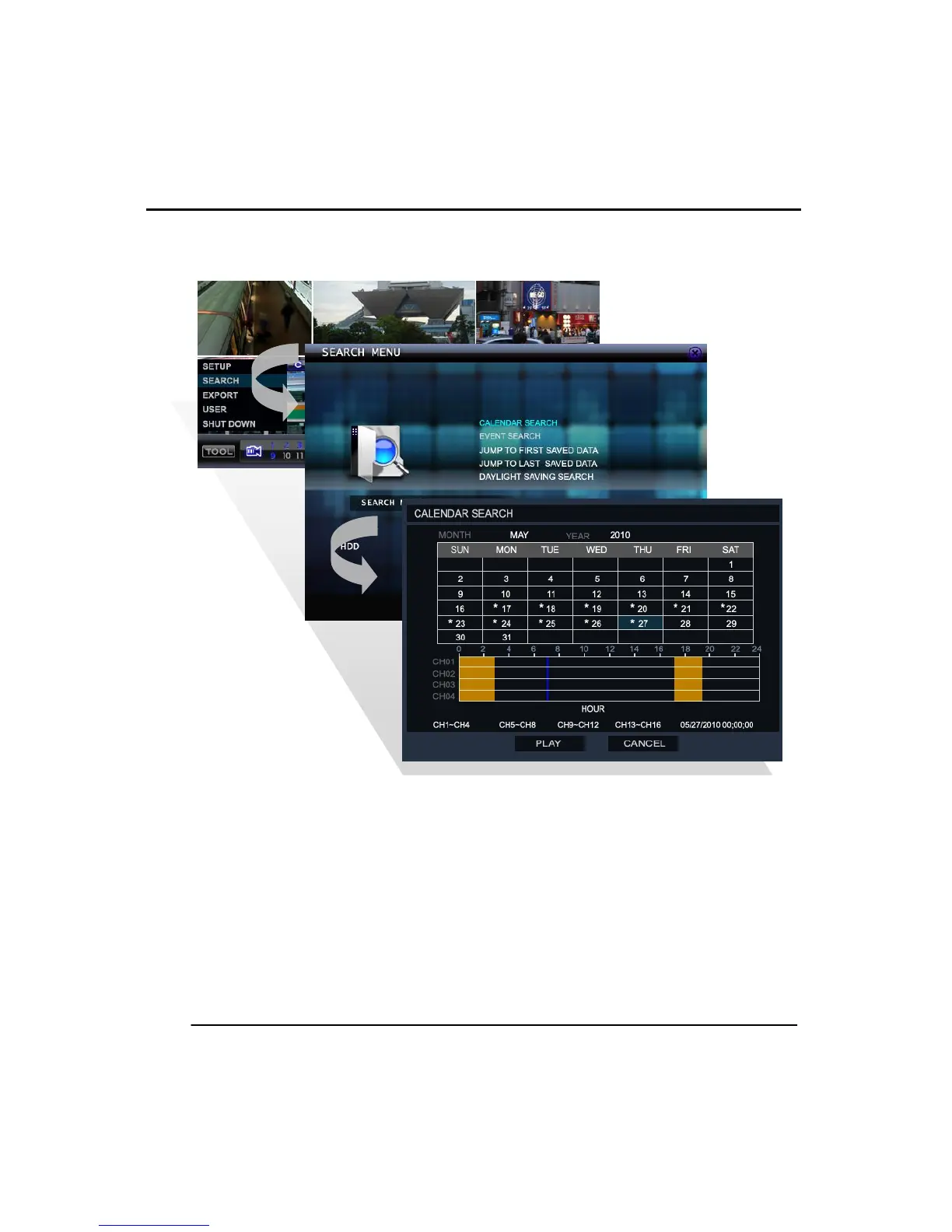
(3) CALENDAR SEARCH
Use the calendar search to specific a time and date using a calendar and timeline bar.
Move the ‘Blue bar’ in time line to select the time to search the recordings.
The color of time bar differs by its recording status (the recording colors explained
above). The dates that contain recorded data are marked with a ‘*’ on calendar.
Select the date and time then click the play button to start the playback.



 To Next Page