1. LOG IN
(1) LOG IN
When system starts it will show a ‘log in’ message. There will be no access to the
DVR controls until you have logged in.
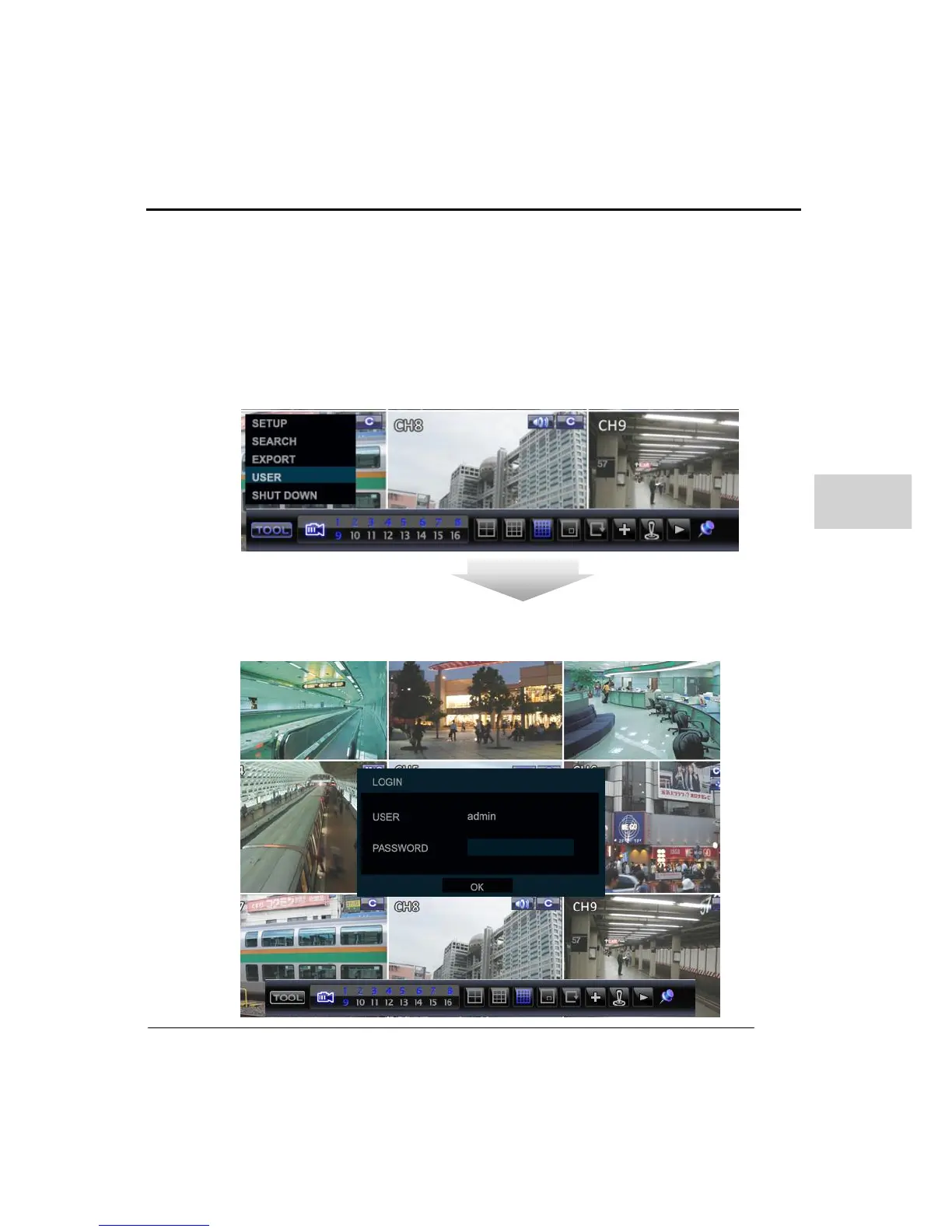
To log in, select the ‘TOOL’ button from the task bar and then select ‘USER’ as in the
below picture
- Ways to Log in: Mouse, front key, Remote controller
- Ways to Log Off : Front key, remote controller.)
- Default User ID & Password
- USER: admin
- Password: <blank>
Enter a valid user name and password in the login display area and then click ‘OK’.



 To Next Page