EasyManua.ls Logo

360 Vision H7016 - Icon

Default Icon
111 pages
Print Icon
To Next Page IconTo Next Page
To Previous Page IconTo Previous Page
Loading...
Chapter 3. Use H7016
3-5
3
(2) ICON
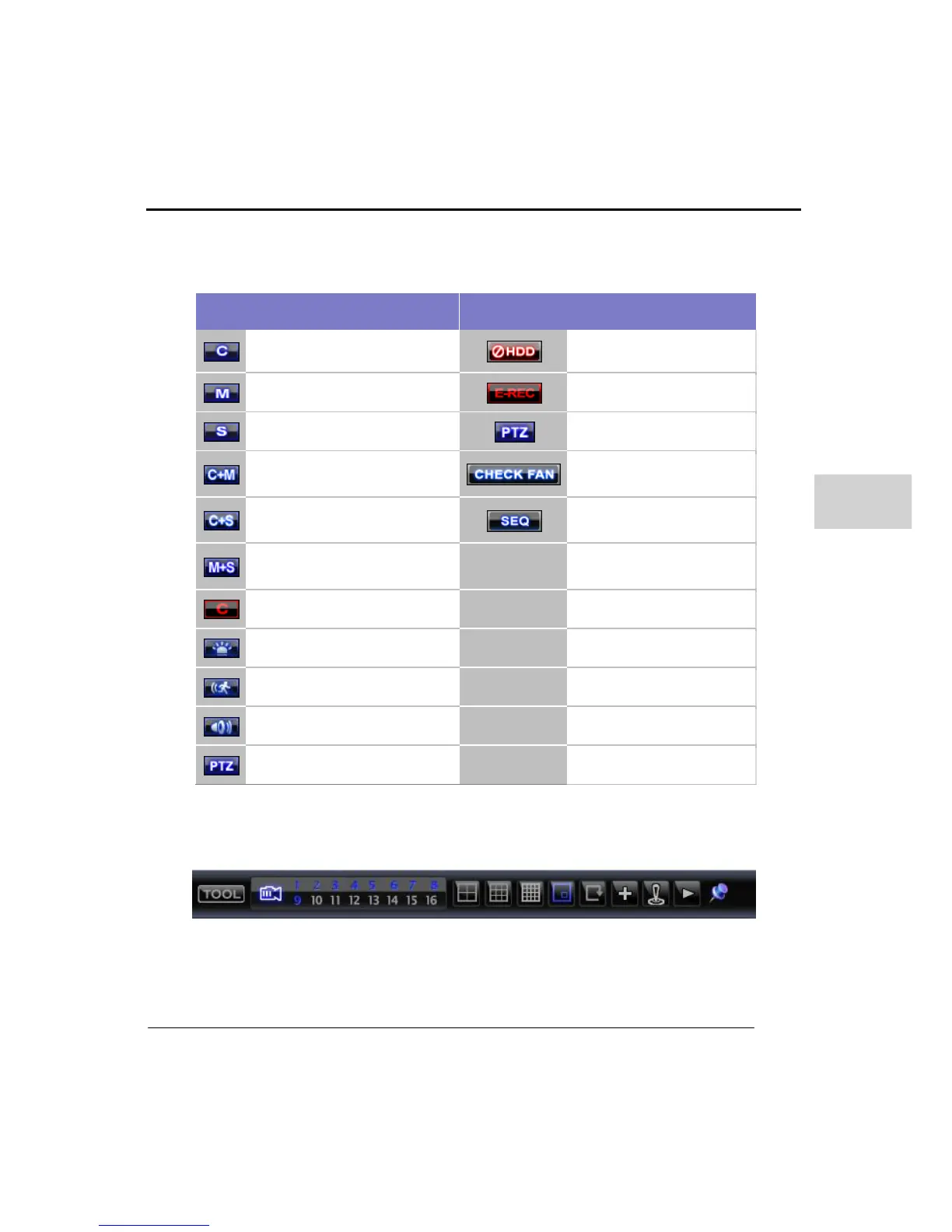
In live display the following icons are used to show the system status.
Icons on Right Top
Full Screen(bottom of right)
Continuous Recording
No HDD, Smart Alarm & HDD
Failure
Motion Detection Recording
Emergency Recording On
Sensor Activating Recording
PTZ Control On
Continuous + Motion Alarm
Recording
Warning for exceeding
temperature
Continuous + Sensor Activating
Recording
Sequence mode in operation
Motion Detection + Sensor
Activating Recording
Emergency Recording
Sensor Activated
Motion Detected
Audio Channel
PTZ Camera
Move mouse to bottom position on the live screen, and the task bar menu will be
displayed.

Related product manuals