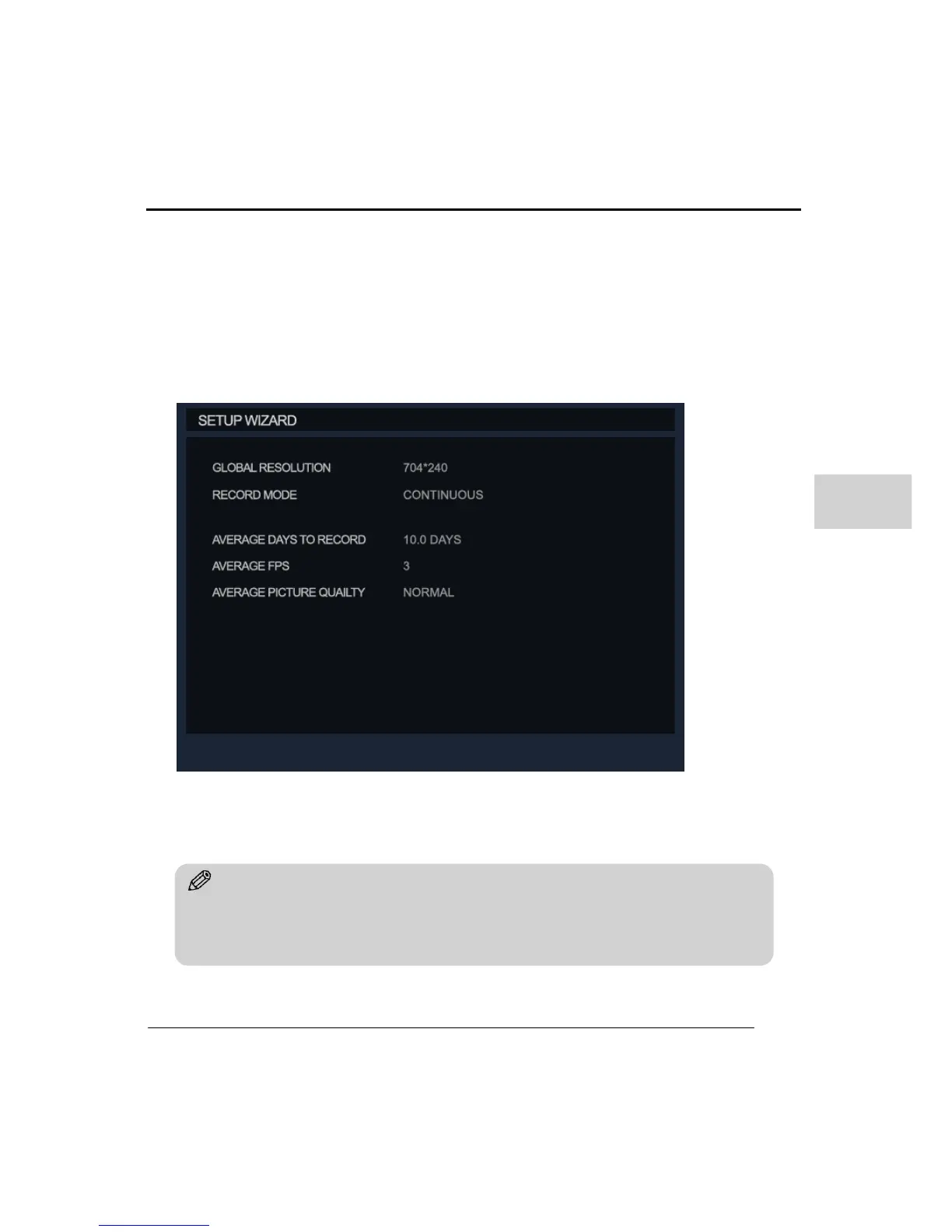
Resolution: Select from CIF (352X240), 2CIF (704X240) and D1 (704X480)
Recording Mode: Select the recording modes. (See schedule section for details)
Average FPS: Select the fps used for recording.
Average Picture quality: Select the picture quality for recording.
Average Days to record: This will display estimated number of days/hours the DVR will
record with the settings applied.
8. BACKUP
Tip
Caution: When using the Quick setup your current recording settings will be overwritten as the
Quick setup take top priority, export/save your configuration if they are to be used again in the
future.



 To Next Page