H7016 User Manual
4-40
for the DVR.
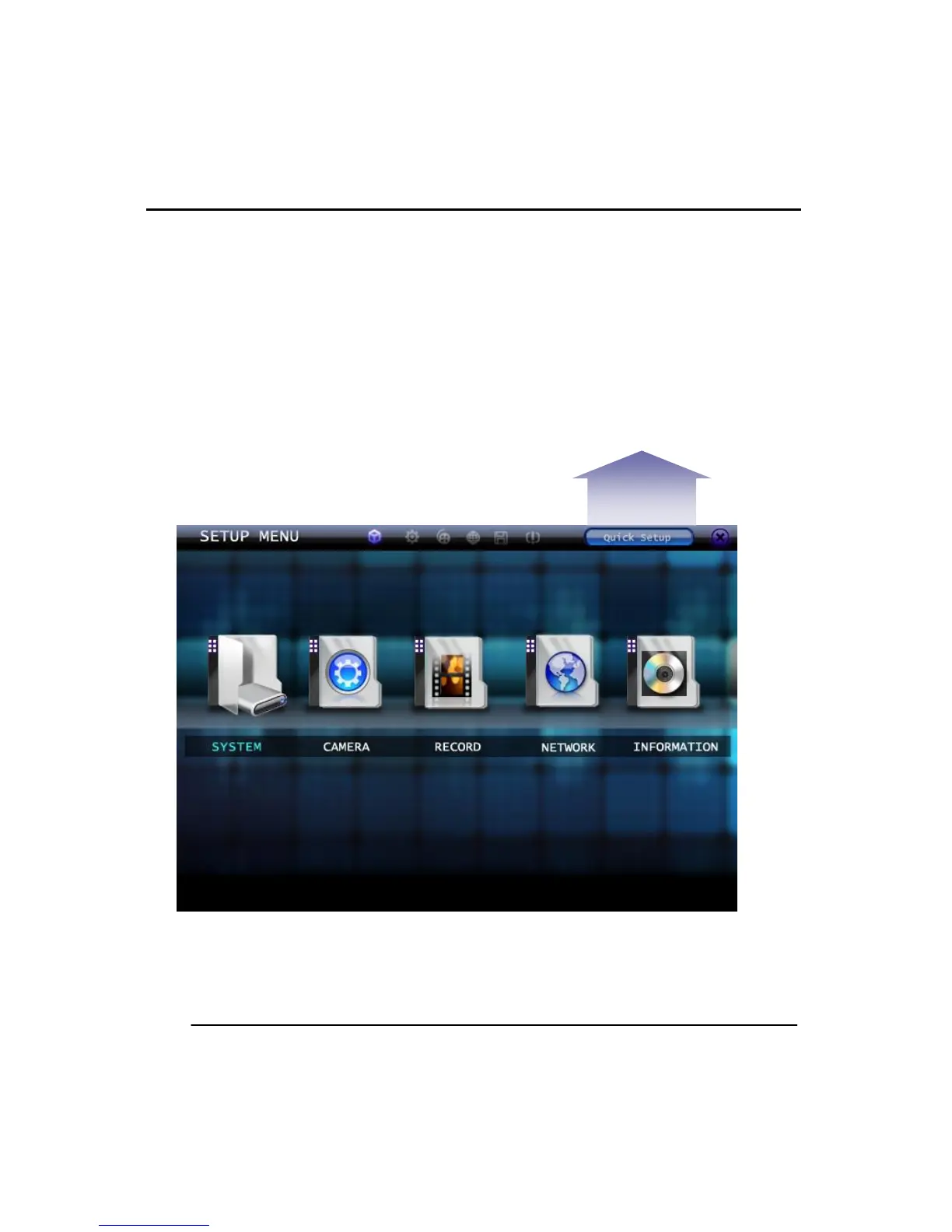
In the quick setup menu there are options for adjusting the recording Resolution, FPS, and
Recording mode. These settings are applied to all the channels on the DVR.
There is a display to show the recording duration when the changes are made. This is so
the user can adjust the recording and at the same time the recording retention.
If the Quick setup is used it will overwrite any pervious recording settings made in the
recording menu.
Below is the Setup Wizard menu. The following options can be selected.



 To Next Page