H7016 User Manual
4-34
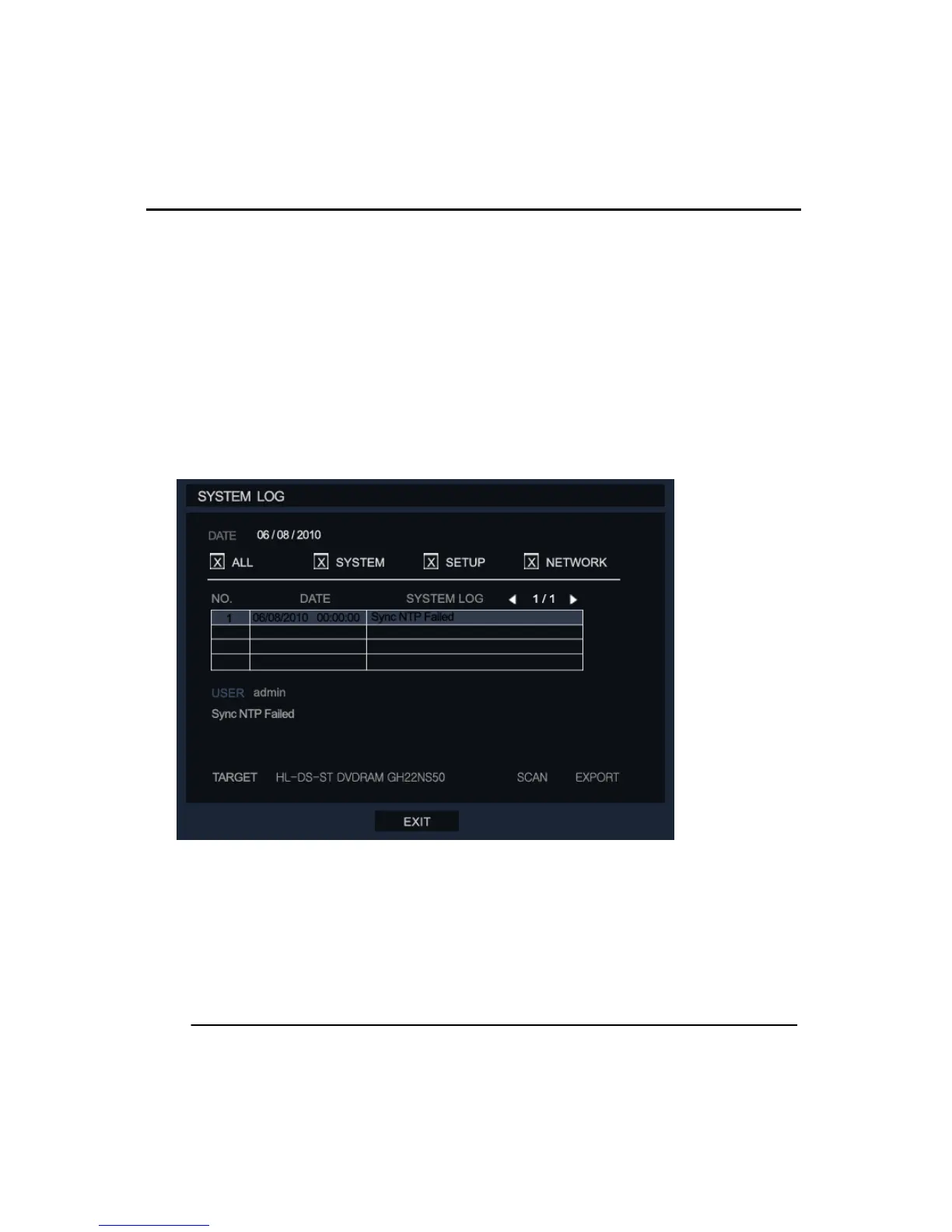
Search Options: The system log can be searched by 3 different categories, System, Setup
and Network. The user can select ALL if they want to search all categories. The search
results are shown in the system log table. The user can move between pages using the
arrow keys above the table.
Target: This shows the selected device for exporting the system Log.
Scan: This scans the DVR for available devices for exporting the System log.
Export: Export the current log file on this system to external devices as a text file.
(2) SYSTEM STATUS
①DISK
This menu contains all the information about the connected HDD and can be used to
check the usage of currently installed internal storage.



 To Next Page