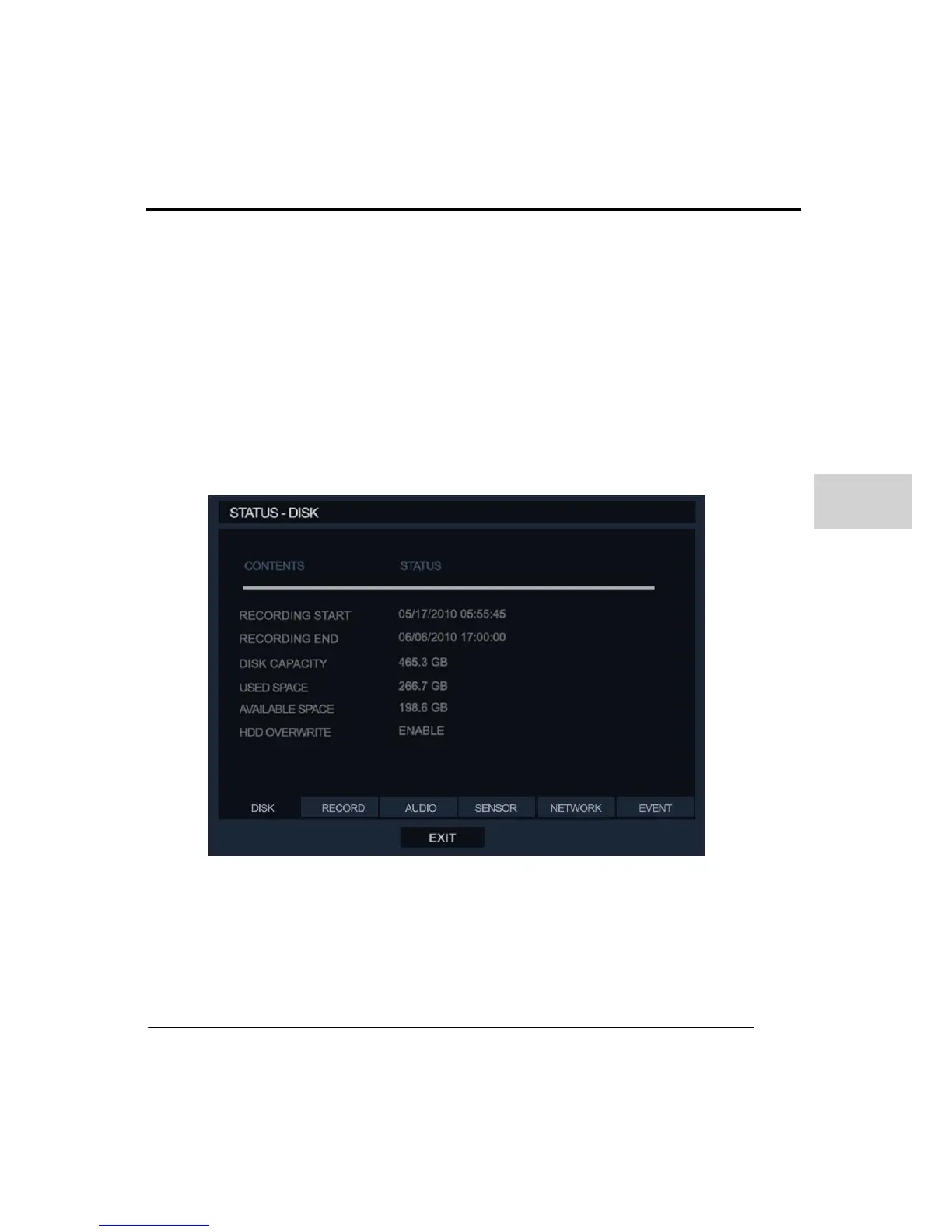
Recording Start: This shows the oldest data of recorded data on the DVR.
Recording End: This shows the last time that data was recorded by the DVR
Disk Capacity: This shows the total storage on the DVR.
Used Space: This shows how much of the storage already contains recording data.
Available Space: This shows the amount of storage free of recording data.
HDD Overwrite: This shows if the storage is using Overwrite feature or not.
② RECORD
This menu displays the current recording status.



 To Next Page