H7016 User manual
3-6
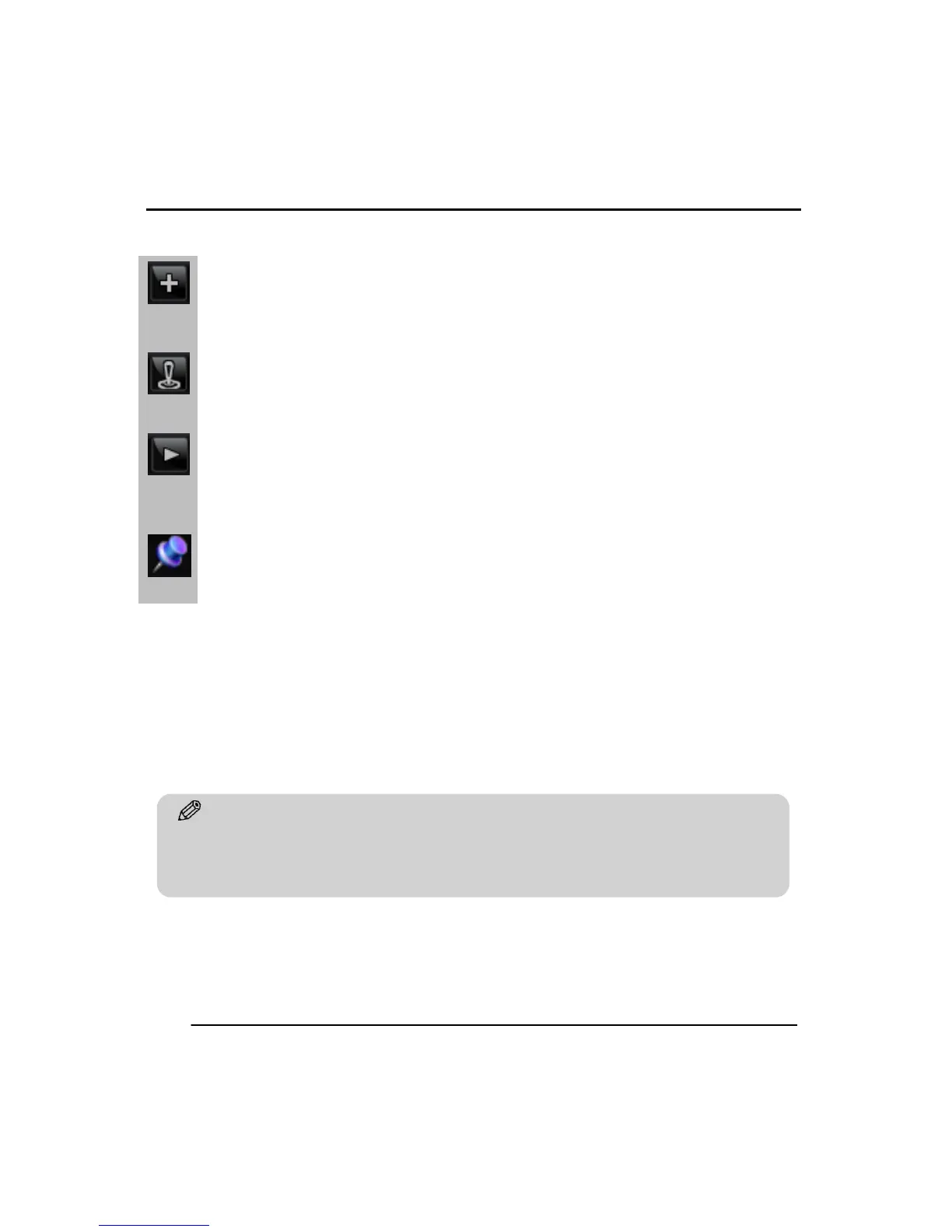
In the Task Bar menu the follow icons have these functions.
Instant (emergency) recording function. Once this is started all channels will be
changed to CIF resolution and record at full frame rate.
1. PTZ mode function. The user can turn on and off the PTZ features when clicking on
this icon.
Playback Function. ▶ Click this button to start playback the of the latest recorded
data immediately.
Hold the Task Bar Function. If the pin icon has been pressed, task bar menu stays
displayed regardless of the position of the mouse pointer. If not pressed, task bar
menu will disappeared once the mouse pointer is not over its position.
Tip
No icons in the live screen means there is no recording status. To set the record status go to SETUP
>> RECORD >> RECORD CONFIGURATION >> SCHEDULE and change setting.



 To Next Page