H7016 User Manual
4-28
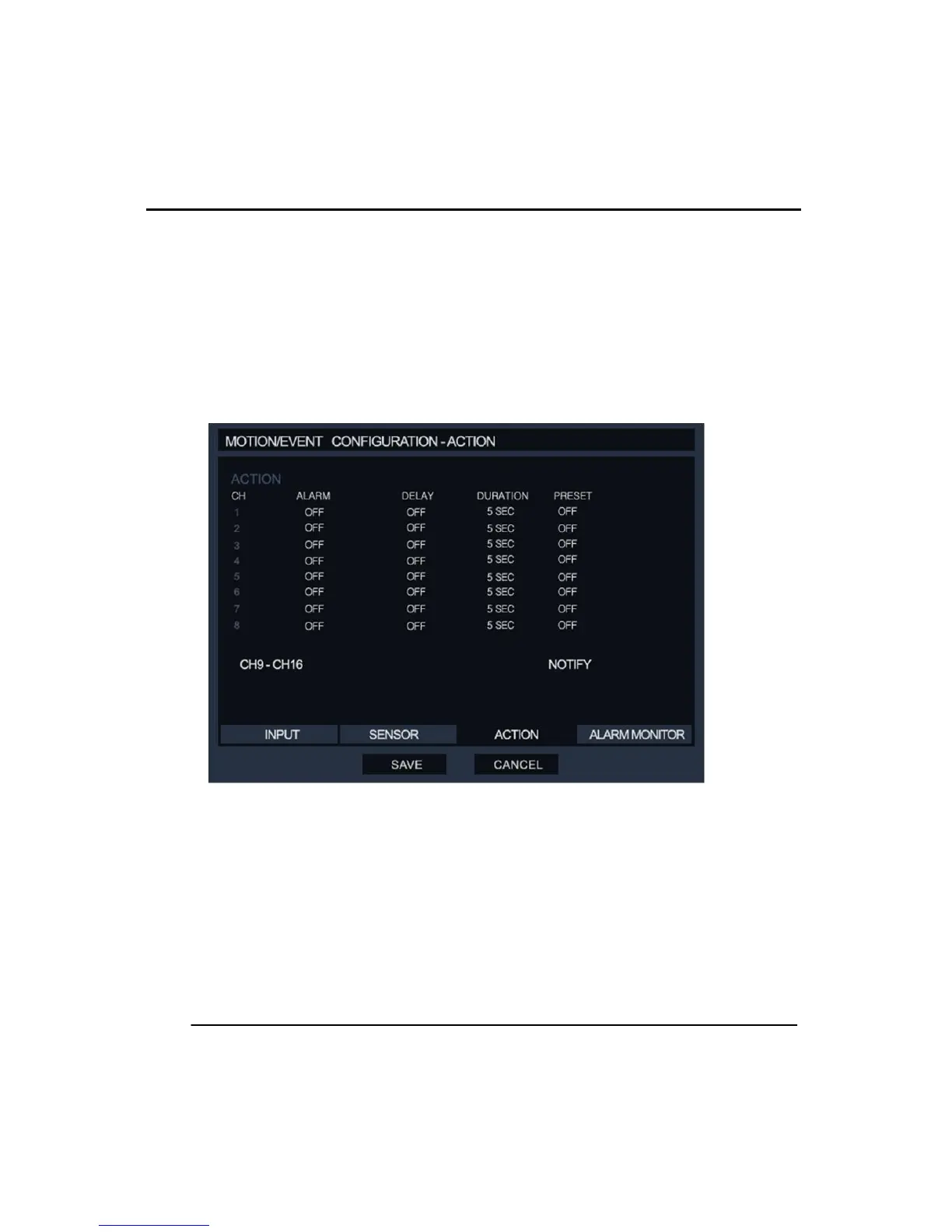
Duration: This is the time that the alarm output signal remains active. The default value is
5sec. and 1-100 sec. is available.
Preset: This function move a PTZ camera to defined preset position when an event is
triggered. This only works if the corresponding channel number if connected to a PTZ
camera.
Notify: Click this option to open a new window where there are options about how the DVR
notifies the user after incoming events such as Sensor or Motion. For example, beep sound
or popup screen image.
④ ALARM MONITOR
In this menu the user can select how the DVR reports an event to remote clients.
Send to Alarm Monitor: This option is to toggle on/off the sending of alarms to a re
mote client over the network.
Motion / Sensor: This option the user can select which types of eventare to be sent
to the remote client. The options either Motion or Sensor or both.



 To Next Page