DirectDraw :
This is for a PC which doesn’t support ‘Direct Draw’. The user must restart backupviewer
after changing this option.
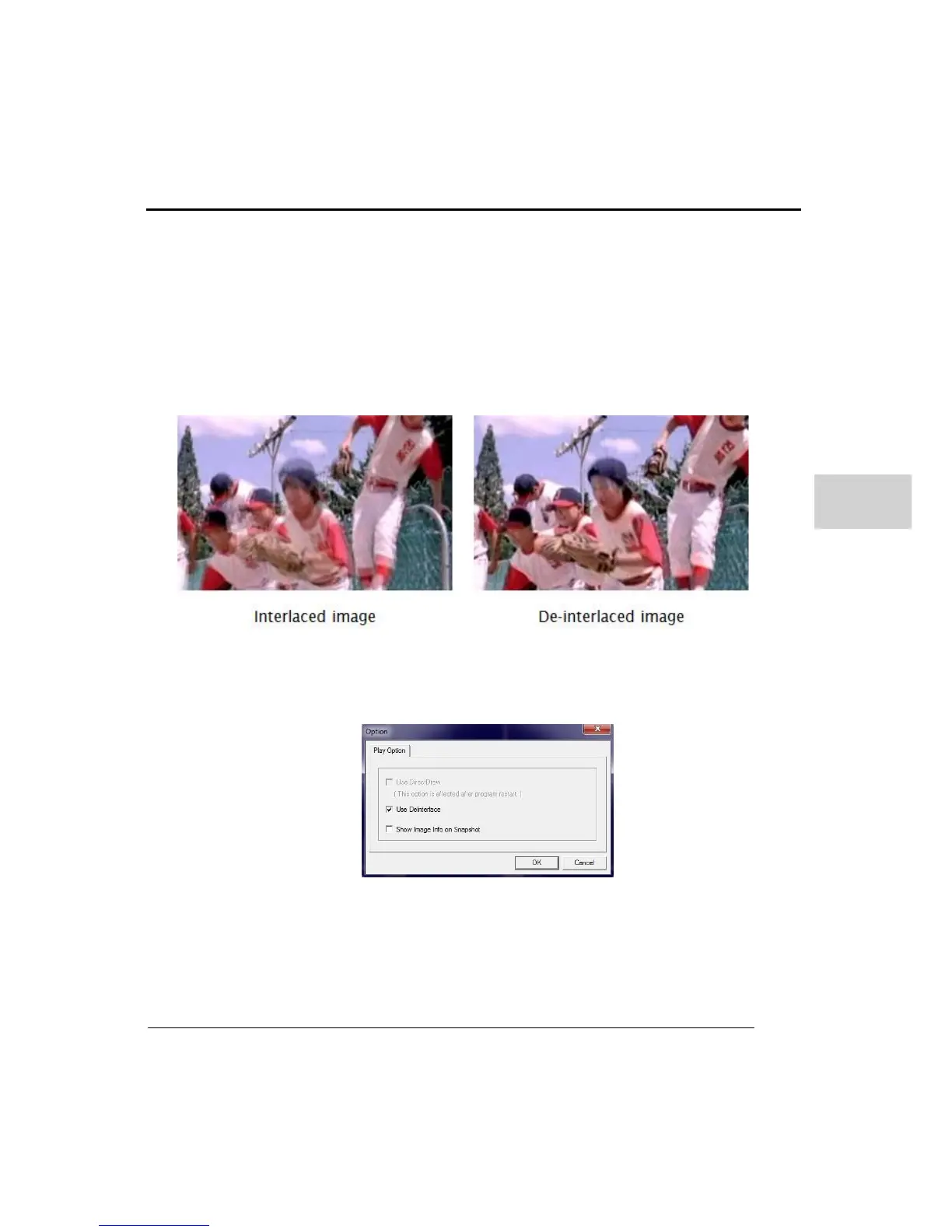
De-Interlace :
Improve playback picture quality when playing back D1 (704x480) data. Following pictures
shows the difference between interlaced and de-interlaced images.
Display information on Snap shot :
Display information options when you convert to a still image to Jpg, pnb, bmp format.



 To Next Page