222 CHAPTER 17: 802.1X CONFIGURATION
■ Users belonging to the Guest VLAN can access the resources of the Guest
VLAN without being authenticated. But they need to be authenticated when
accessing external resources.
Normally, the Guest VLAN function is coupled with the dynamic VLAN delivery
function.
Refer to “Introduction to AAA” on page 237 for detailed information about the
dynamic VLAN delivery function.
Enabling 802.1x Re-authentication
802.1x re-authentication is timer-triggered or packet-triggered. It re-authenticates
users who have passed authentication. With 802.1x re-authentication enabled,
the switch can monitor the connection status of users periodically. If the switch
receives no re-authentication response from a user in a period of time, it tears
down the connection to the user. To connect to the switch again, the user needs
to initiate 802.1x authentication with the client software again.
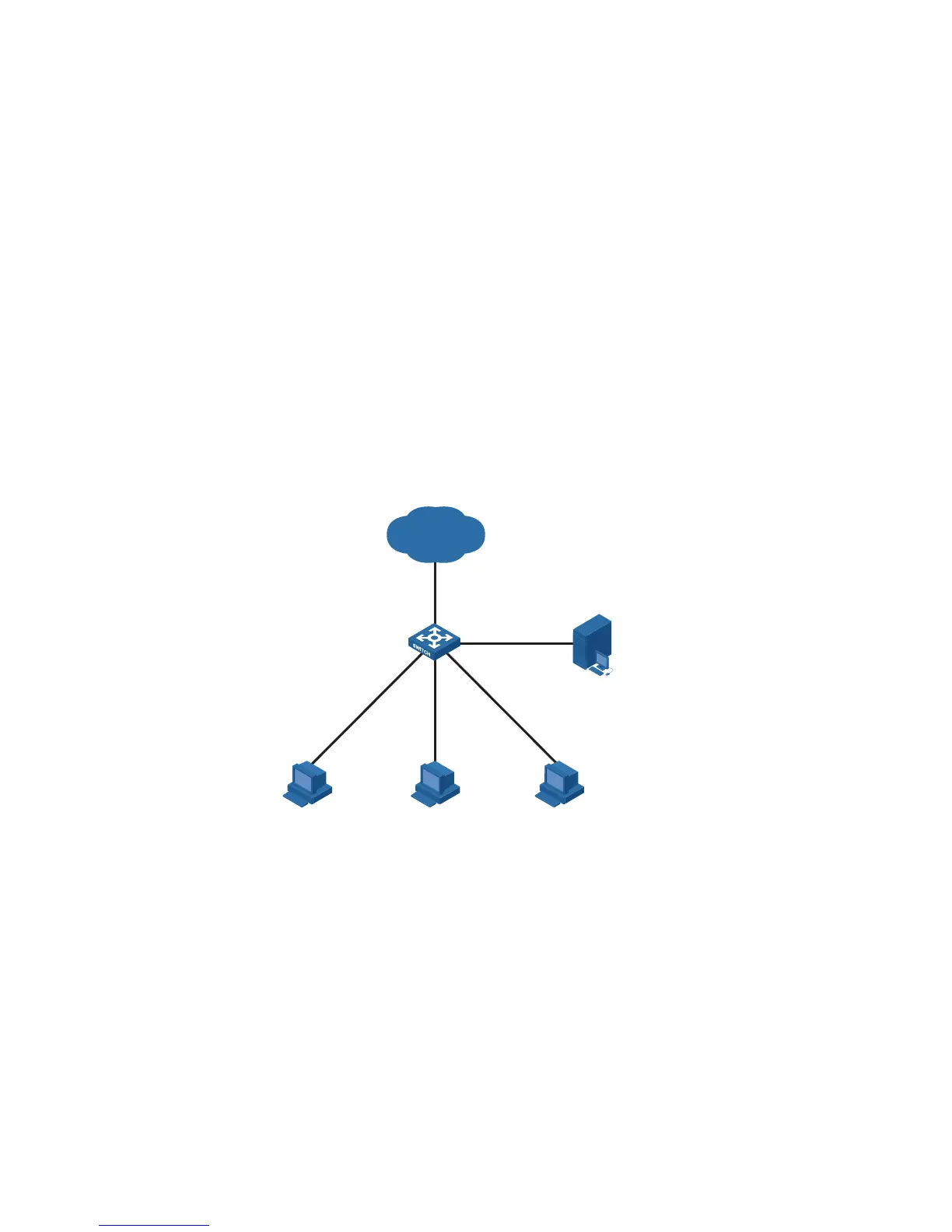
Figure 74 802.1x re-authentication
802.1x re-authentication can be enabled in one of the following two ways:
■ The RADIUS server triggers the switch to perform 802.1x user
re-authentication. The RADIUS server sends the switch an Access-Accept
packet with the Termination-Action field of 1. Upon receiving the packet, the
switch re-authenticates users periodically.
■ You enable 802.1x re-authentication on the switch. With 802.1x
re-authentication enabled, the switch re-authenticates users periodically.
n
802.1x re-authentication fails if a CAMS server is configured to perform
authentication but not accounting because a CAMS server establishes a user
session after it begins to perform accounting. Therefore, to enable 802.1x
re-authentication, do not configure the accounting none command in the domain.
This restriction does not apply to other types of servers.
PC
Internet
PC PC
RADIUS
Server
Switch












 To Next Page