AAA Configuration Examples 265
A Telnet user logging into the switch by a name in the format of userid @cams
belongs to the cams domain and will be authenticated according to the
configuration of the cams domain.
Local Authentication of
FTP/Telnet Users
n
The configuration procedure for local authentication of FTP users is similar to that
for Telnet users. The following text only takes Telnet users as example to describe
the configuration procedure for local authentication.
Network requirements
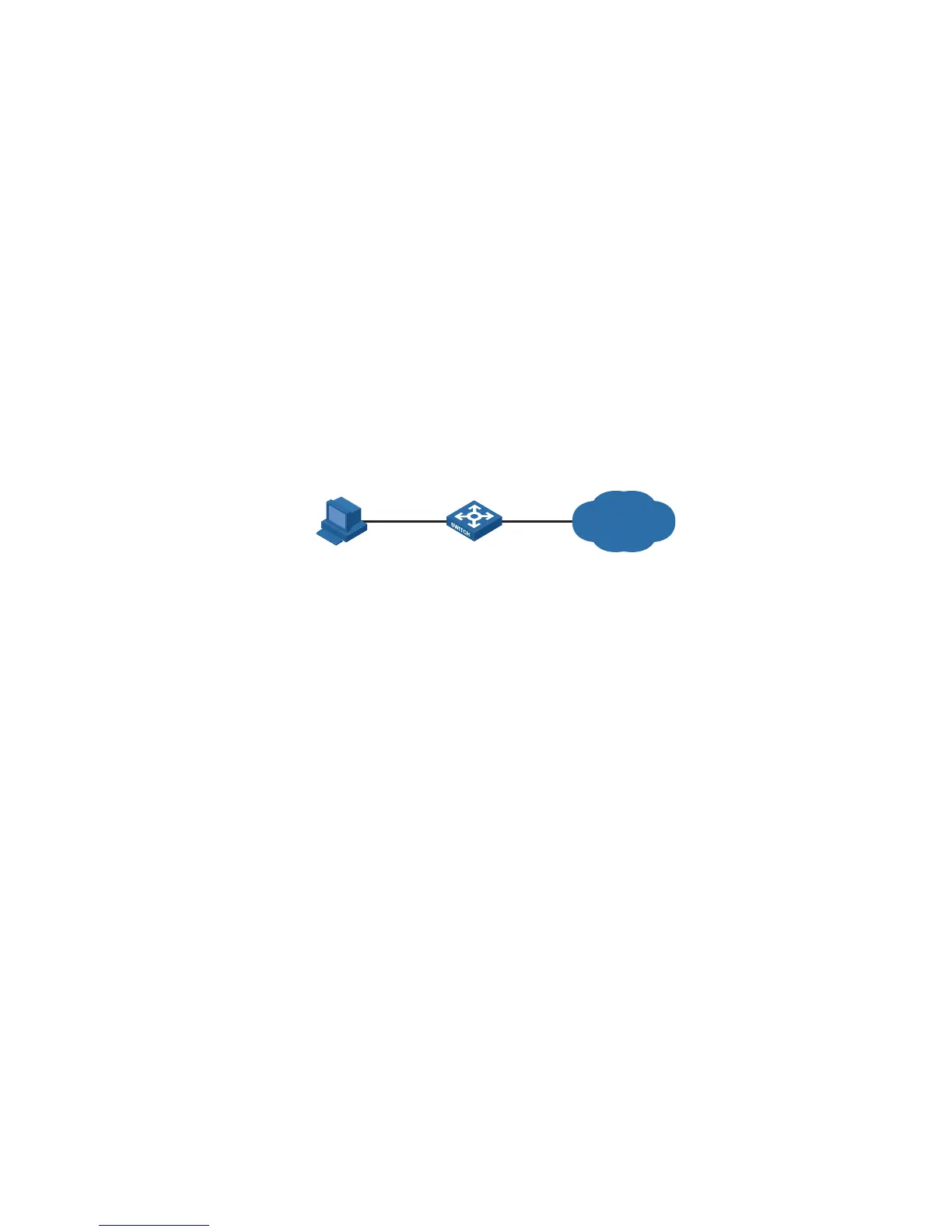
In the network environment shown in Figure 82, you are required to configure the
switch so that the Telnet users logging into the switch are authenticated locally.
Network diagram
Figure 82 Local authentication of Telnet users
Configuration procedure
Method 1: Using local authentication scheme.
# Enter system view.
<4210> system-view
# Adopt AAA authentication for Telnet users.
[4210] user-interface vty 0 4
[4210-ui-vty0-4] authentication-mode scheme
[4210-ui-vty0-4] quit
# Create and configure a local user named "telnet".
[4210] local-user telnet
[4210-luser-telnet] service-type telnet
[4210-luser-telnet] password simple aabbcc
[4210-luser-telnet] quit
# Configure an authentication scheme for the default "system" domain.
[4210] domain system
[4210-isp-system] scheme local
A Telnet user logging into the switch with the name telnet@system belongs to the
"system" domain and will be authenticated according to the configuration of the
"system" domain.
Method 2: using local RADIUS server
Internet
Telnet user Switch












 To Next Page