User Manual
QuantorMed Plus TM -721-EN
4. Home Window
4.1. Screen Layout
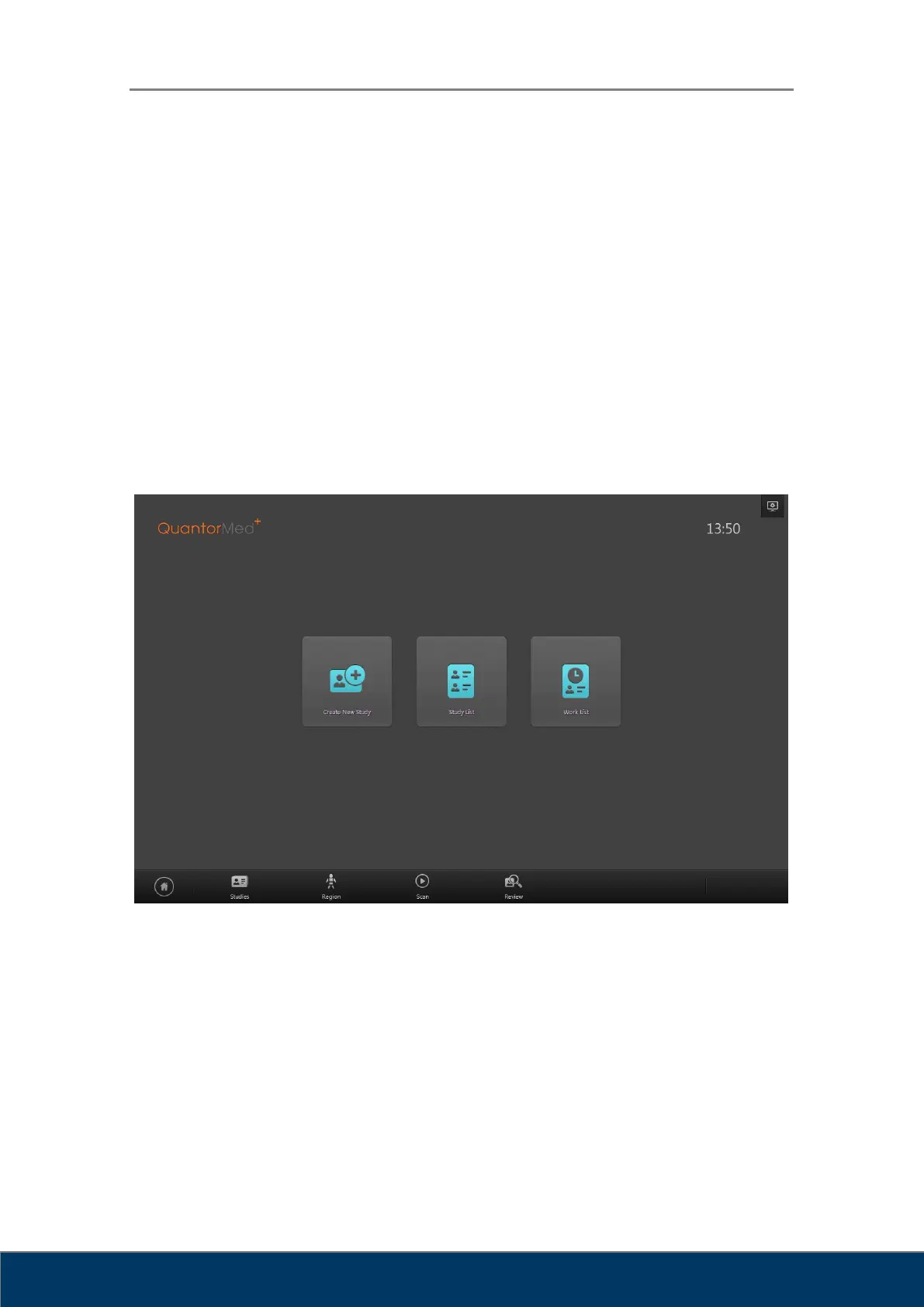
The Home screen is the first screen that appears when the program is run. From the Home
screen, you can create a new study or view existing studies. You can go back to the Home
screen by using one of the actions below.
Clicking the Home button in the Navigation Bar
Clicking the End Study button in the Scan screen
Clicking the End Study button in the Review screen
Figure 4.1. Home Window
① Model Name: Displays the model name of FireCR.
② Current Time: Current time is displayed in hours and minutes.
③ System: Displays the System menu.
④ Create New Study: Go to New Study screen.
⑤ Study List: Go to Study List screen.
⑥ Work List: Go to Work List screen.



 To Next Page