User Manual
QuantorMed Plus TM -721-EN
2.2. Installation
2.2.1. Software Installation
Log on to the PC using an administrator account.
Connect USB Dongle to USB port.
Insert Installation CD. Install program will automatically launch.
If the install program is not launched automatically, find and execute the “QuantorMed
2.x.x. Setup.exe” file on the CD.
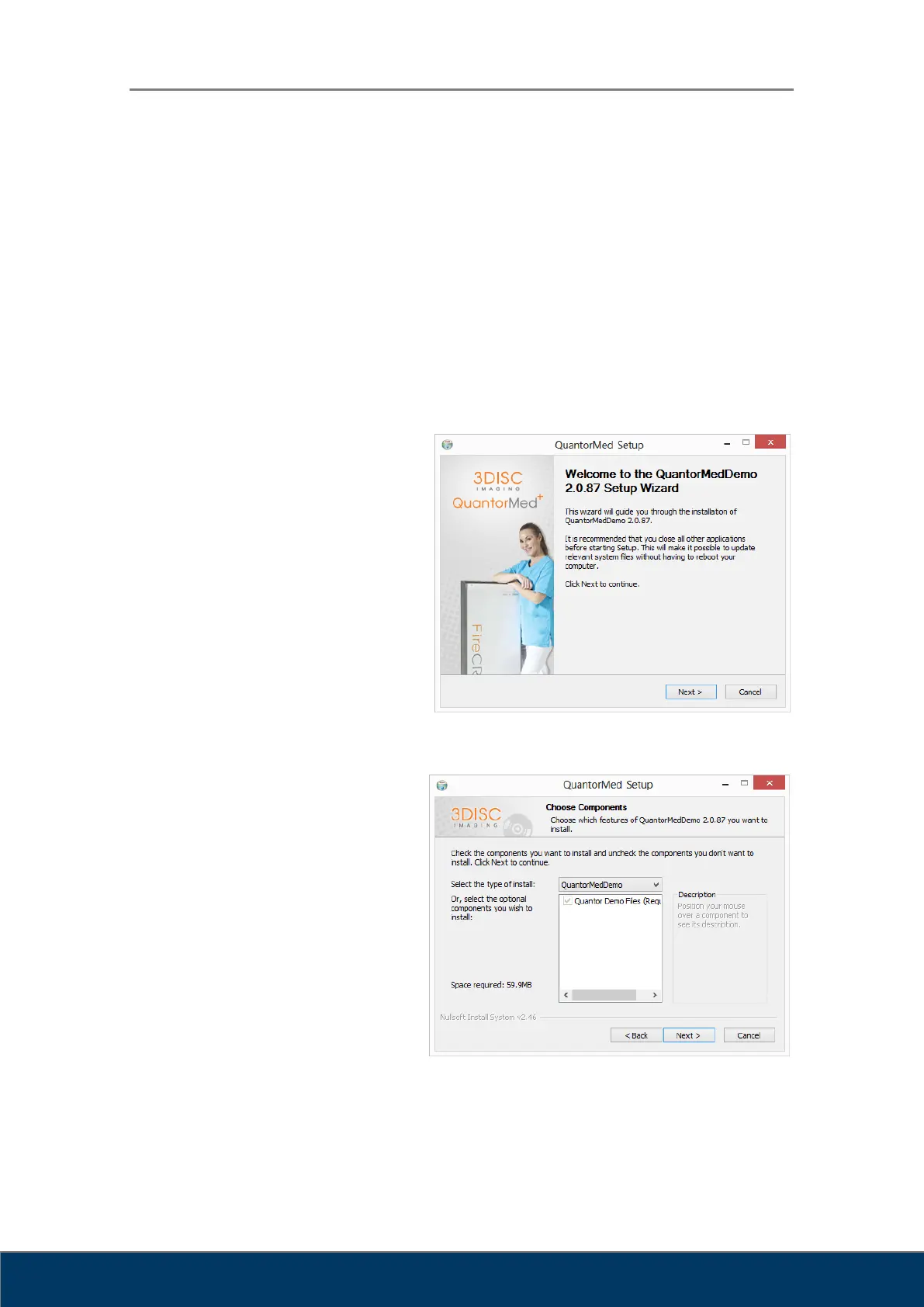
Click the “Next” button
as shown in Figure 2.1.
Figure 2.1. Welcome Dialog Box
Choose all components and
click the "Next" button as shown
in Figure 2.2.
Figure 2.2. Components Dialog Box



 To Next Page