EasyManua.ls Logo

3Disc FireCR Flash - Marking; File; Tools

3Disc FireCR Flash
167 pages
Print Icon
To Next Page IconTo Next Page
To Previous Page IconTo Previous Page
Loading...
User Manual
QuantorMed Plus TM -721-EN
68
6. Mean: Average value
7. Current Value: Pixel value of the current position when the mouse was clicked over the
graph
`
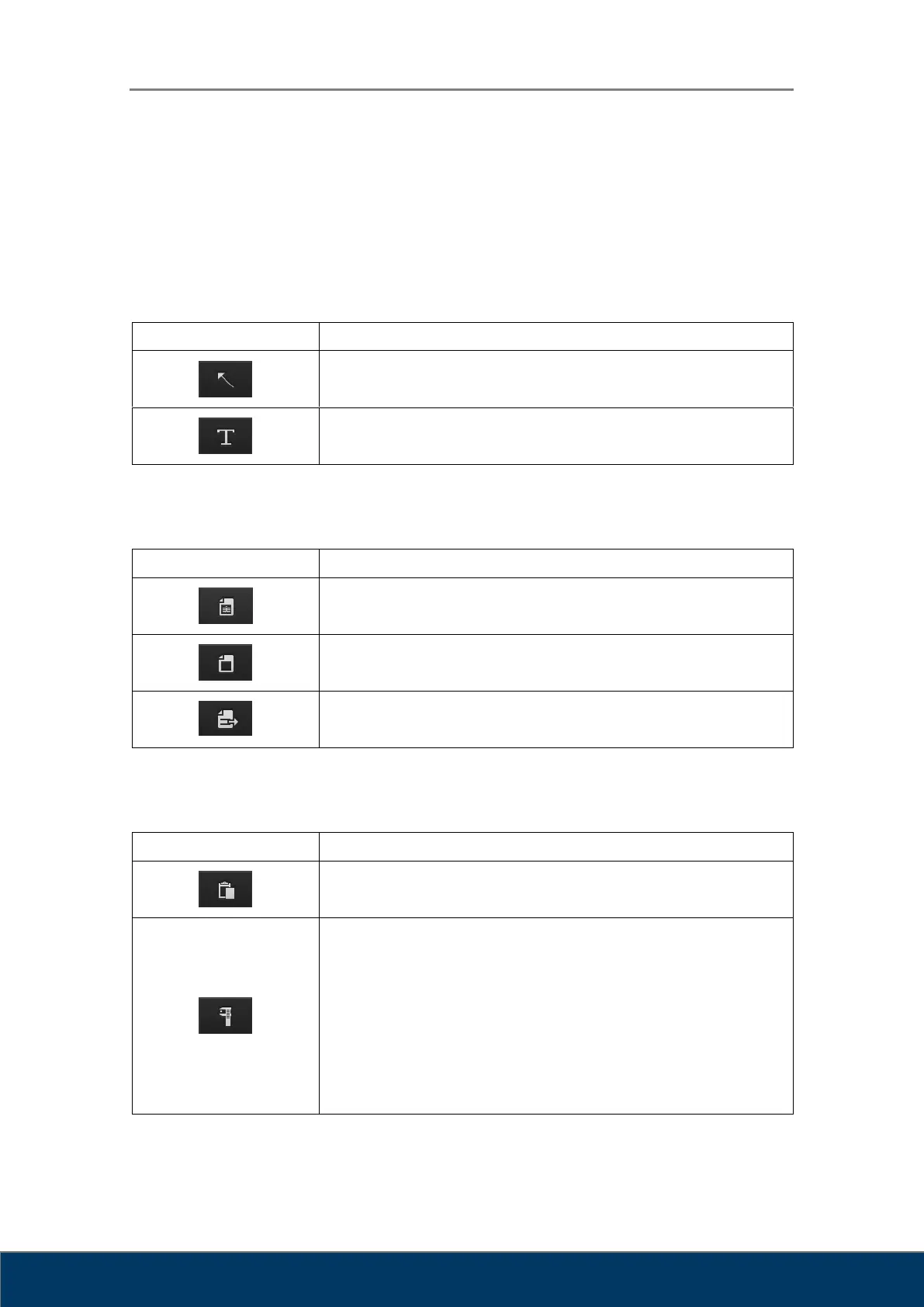
10.6. Marking
Icon
Action
Arrow
Text
10.7. File
Icon
Action
Open DICOM File
Open Image File
Export as DICOM or image file.
10.8. Tools
Icon
Action
Copy to clipboard: Copies the active image to the Windows
clipboard.
Sets pixel size.
1. Scan a measuring tool with a determined length.
2. Select the scanned image and click on the Pixel Calibration
button.
3. The following dialog box will be displayed on the screen.
Enter the actual length of the measuring tool.

Table of Contents