User Manual
QuantorMed Plus TM -721-EN
11.3. Edit Column
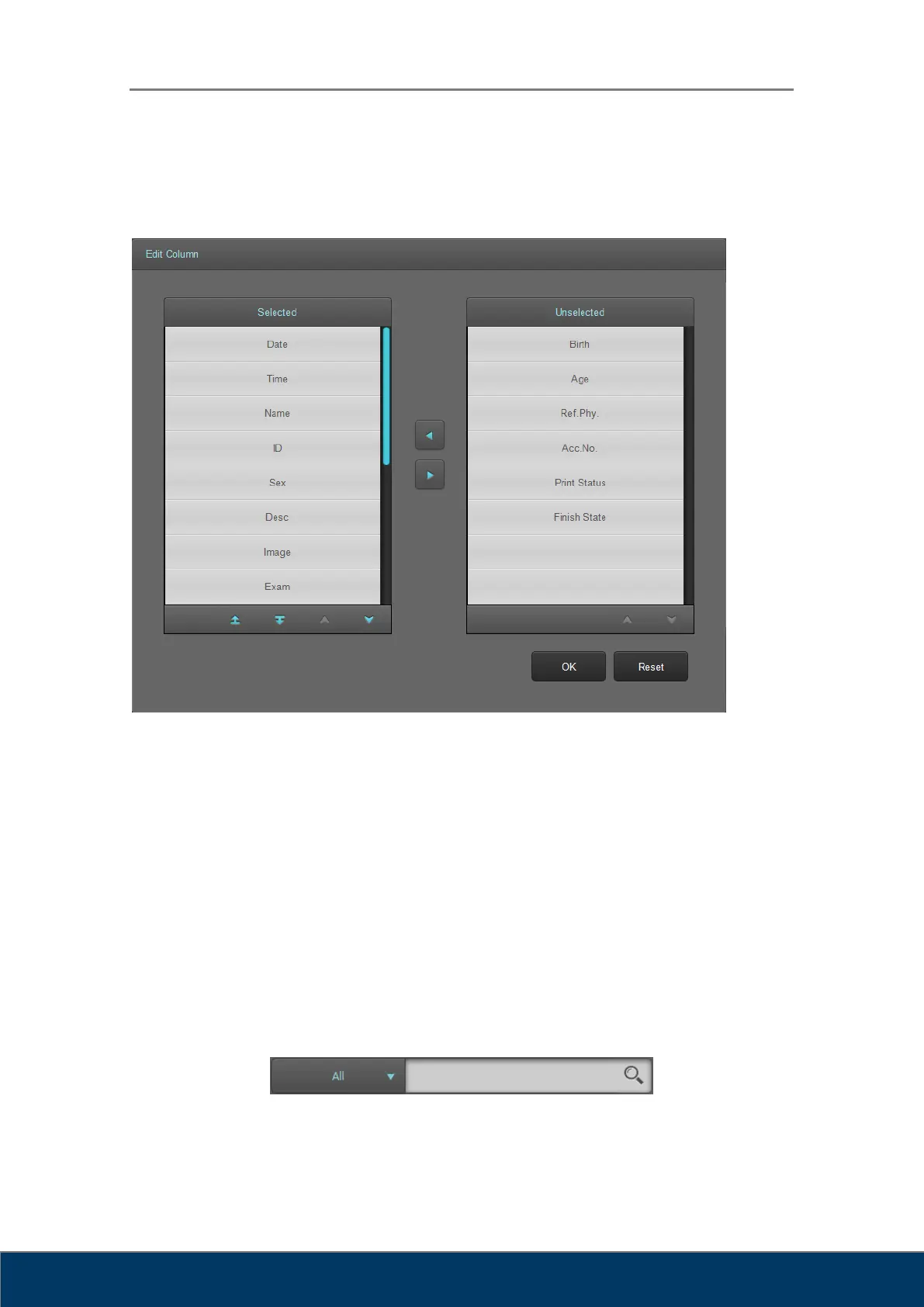
Figure 11.2. Edit Column
① Columns to be used in the Study List.
② Columns to be hidden in the Study List.
③ Move selected items left and right.
④ Button for switching pages.
⑤ Move the selected items up or down on the list to change order.
⑥ Save changes and close the dialog box.
⑦ Reset the program to default settings.
11.4. Search
① Filter: Select the column to search. When a filter has not been set and All is selected,



 To Next Page