User Manual
QuantorMed Plus TM -721-EN
7.2. Exposure Input
Enter the X-ray exposure settings. Exposure Input field is only activated when it is enabled in
[System – Exposure Input]. The entered values will be included in the DICOM information. As
shown in Table 7.1, 4 types can be entered.
Table 7.1. Exposure Input
7.3. Cassette Indicator
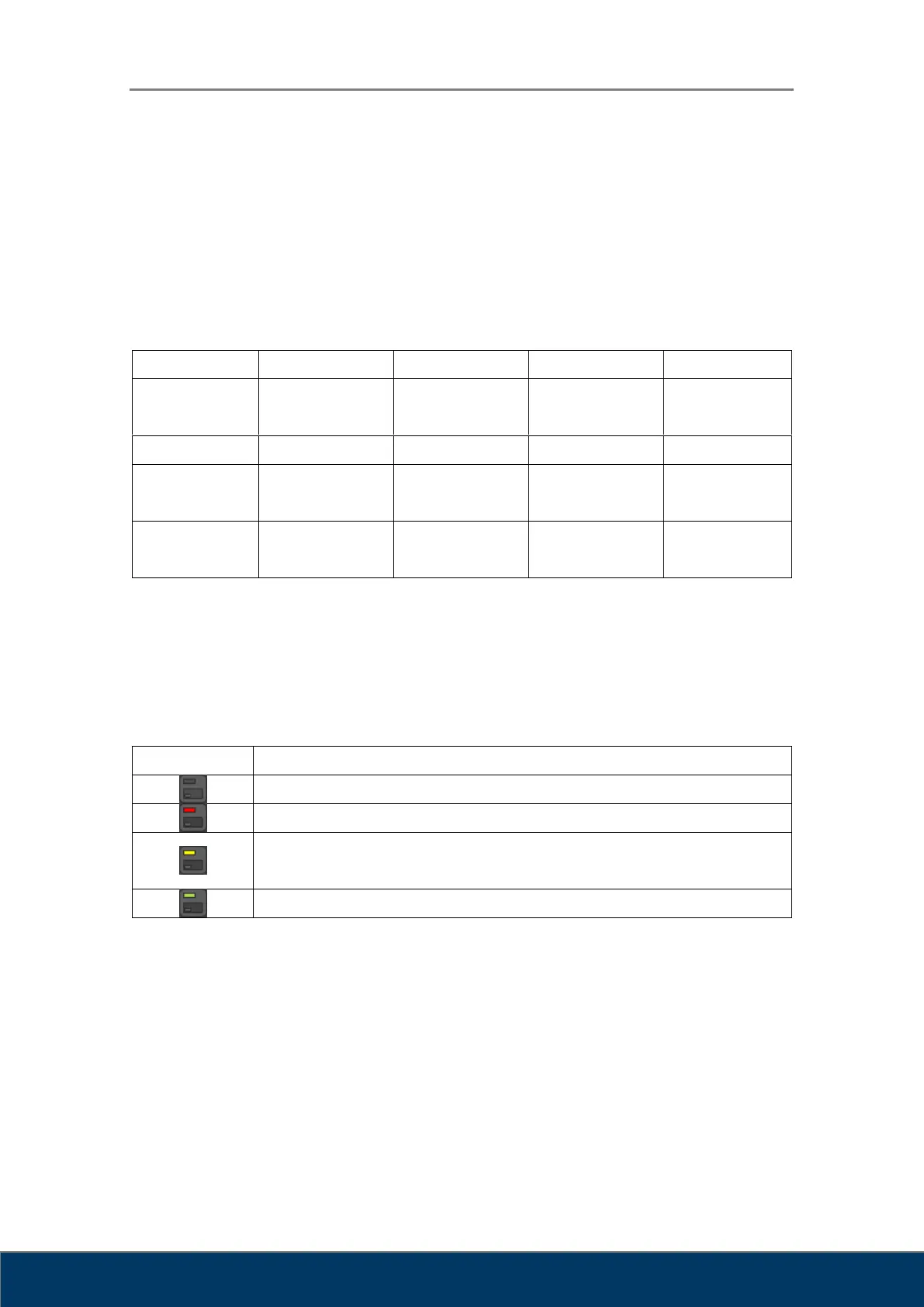
The Cassette Indicator displays whether the cassette is inserted and recognized correctly.
Table 7.2 . Cassette Indicator
A cassette is not inserted.
A cassette is inserted, but cassette size information is not recognized.
A cassette is inserted, cassette size information is recognized, but the
current size has not been calibrated.
The status is okay and ready for scan.



 To Next Page